
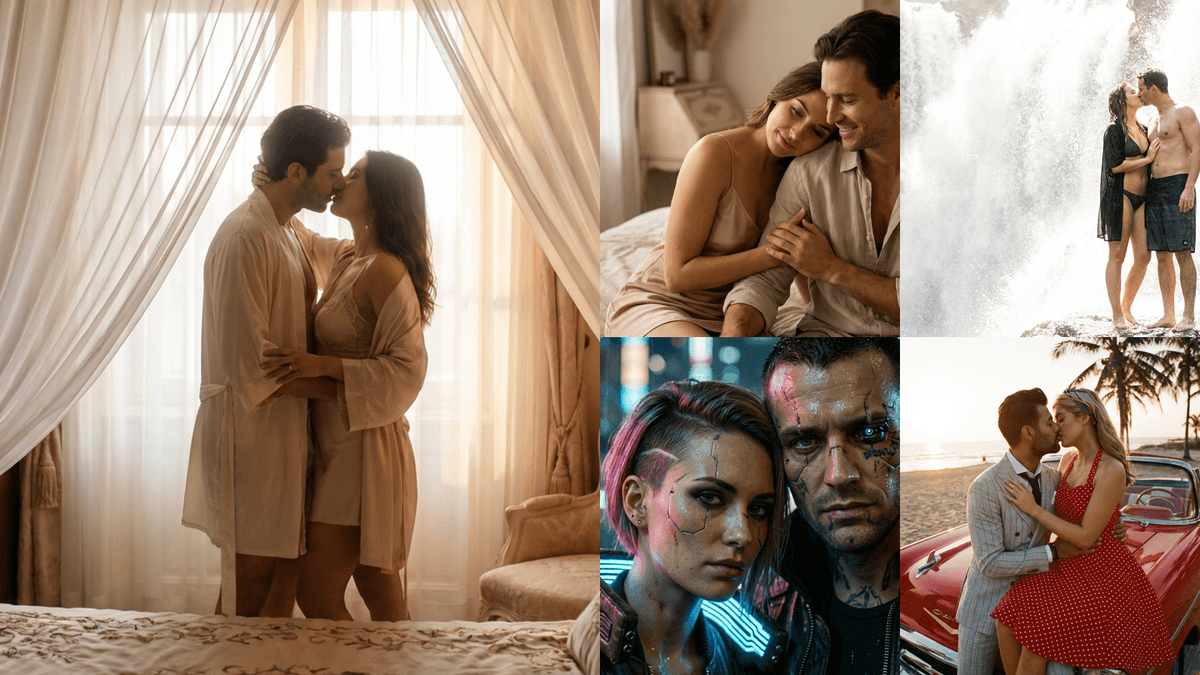
Top 10 Uncensored AI Generators for Images & Videos in 2026
An in-depth comparison of 10 uncensored AI image and video generators, with original visual examples, embedded video, workflow advice, privacy checks, and clear recommendations.
Try AI Uncensored Generator
Table of Content
Searches for uncensored AI, unrestricted AI, and AI generators with no restrictions usually point to one goal: more creative control. But “uncensored” is not a technical standard. A service can use that label while still blocking certain prompts, filtering uploads, limiting model outputs, or retaining generated media.
This guide compares ten widely discussed tools and model families, explains where each workflow fits, and highlights the questions worth asking before uploading a personal photo. It does not rank products by how easily they produce harmful or non-consensual content. The useful comparison is creative control, privacy, output quality, repeatability, transparency, and setup burden.
Key takeaways
- “Uncensored” is a marketing term, not a guarantee that every prompt or output is allowed.
- HappyHorse 1.1 is our most practical pick for guided image-to-video; Wan is the strongest fit for teams that want to own an open deployment.
- For real-person media, consent, retention, deletion, and training policies matter more than the size of a model's blocklist.
What is an uncensored AI generator?
An uncensored AI generator is generally a text, image, or video model advertised with fewer content filters than a mainstream hosted service. The phrase may refer to a locally run open model, a hosted model with broad creative categories, or a website that simply applies lighter prompt screening.
Those products are not equivalent. A model can accept a prompt but still fail to render it. A website can allow generation but moderate uploads. A local checkpoint can be open to run while its training data or commercial license remains unclear. Always separate model capability, platform policy, and legal permission.
- Model capability: what the model can technically produce.
- Platform policy: what the service allows you to request or upload.
- Legal and ethical permission: what you are entitled to create and share.
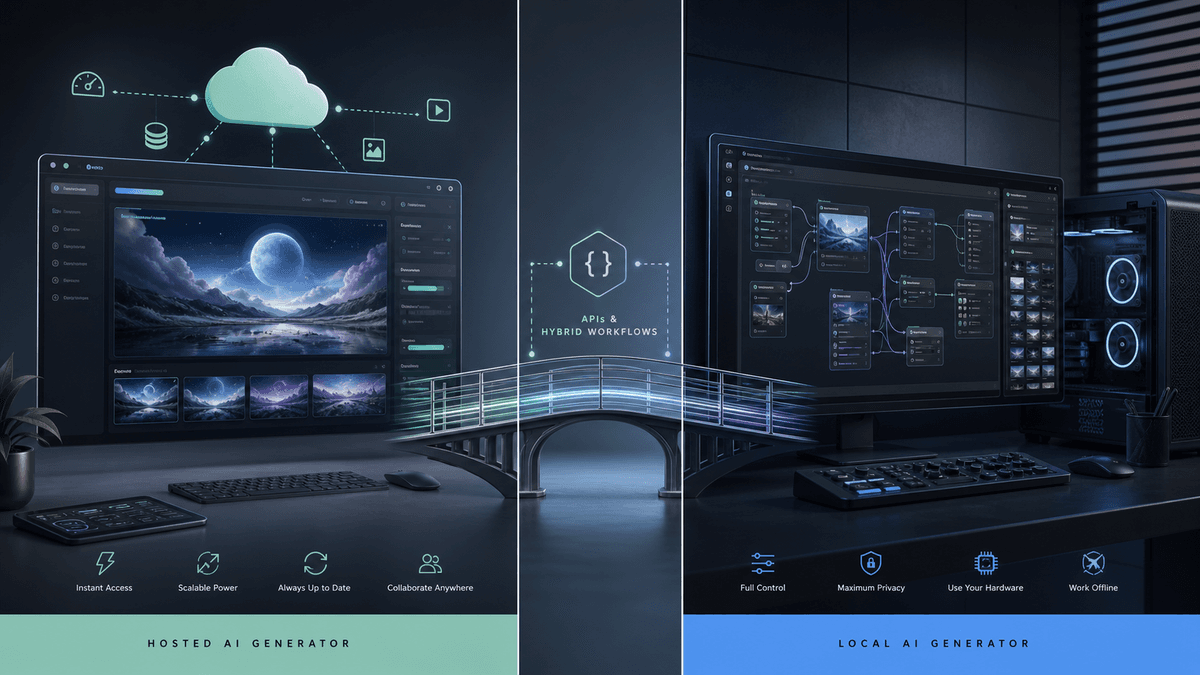
Why “no restrictions” still has restrictions
Every practical system has constraints. Hosted products can enforce terms at the prompt, upload, output, account, or payment layer. Local software removes some service-side checks but remains limited by hardware, model quality, software dependencies, and the law.
The most important limits are often invisible on a landing page: whether uploaded photos are retained, whether staff or vendors can review generations, whether deleted media is removed from backups, and whether the provider responds to abuse reports.
Privacy and consent for real-person images
A personal photo contains identity, appearance, relationship, and sometimes location signals. Uploading it to an unknown generator can expose more than the final image. Before using any tool, read its retention policy, training policy, deletion controls, and abuse-reporting process.
Only edit adults who have agreed to the specific use. Do not create intimate or humiliating depictions of a real person without consent, and never use these tools with minors. A technically possible edit can still be invasive, unlawful, or permanently damaging when shared.
- Use your own media or obtain explicit permission.
- Avoid uploading IDs, private messages, medical images, or location-revealing files.
- Check deletion, training, and retention terms before generation.
- Review every output before saving or sharing it.
How to choose an AI generator with more control
Start with the job to be done: private experimentation, commercial production, character art, fashion visualization, or photo-to-video animation. Then compare the model on the dimensions that affect that job instead of chasing the broadest possible policy claim.
A trustworthy product states its limits plainly, offers clear controls, explains how files are handled, and gives users a path to report abuse. Transparent guardrails are often a sign of a more dependable production tool—not a lack of creative capability.
What people actually want when they search for uncensored AI
The current English search results are dominated by products that promise immediate access: private chat, no-account use, image creation, video creation, or a bundle of frontier models. That is a different need from a generic list of permissive websites. This page therefore treats uncensored AI as a buying and workflow decision. It shows which options are useful for chat, still images, image-to-video, or local deployment, then separates access claims from privacy and production quality.
Use this guide when you need to compare an uncensored AI generator before uploading media or paying for a plan. Use Couple AI's video-generation page when your intent is simply to animate an authorized photo. Keeping those jobs separate prevents this comparison from competing with the product workflow: one page answers which approach fits; the other performs the creation task.
- Comparison intent: choose between hosted, private, browser-based, and local uncensored AI workflows.
- Creation intent: move to the dedicated video studio when the tool decision has already been made.
- Evidence standard: prefer documented controls, retention terms, and reproducible output over a vague no-filters claim.
Four real image-to-video examples used in this review
The embedded clips are original Couple AI samples made from authorized adult imagery, not stock mockups or outputs attributed to third-party products. They let us discuss visible motion behavior—camera stability, face consistency, water and rain movement, and end-of-clip drift—without pretending that one provider produced another provider's result.
Each caption states what the example proves and what it does not prove. The four H.264 samples include audio and cover a 5.15-second hallway shot at 1080×1440, a 6.64-second candlelit shot at 1080×1444, a 10.15-second rain shot at 720×960, and a 5.15-second pool shot at 1080×1440. These are practical reference points for evaluating any uncensored AI video generator with the same authorized source material.
Top 10 Uncensored AI Image and Video Generators Reviewed
The products below serve very different workflows. Some are hosted character or image tools, some focus on short-form video, and others are open models intended for technical deployment. We assessed them by practical workflow fit, controllability, setup burden, data-handling questions, and the likelihood of producing a repeatable result—not by which service makes the broadest “no limits” claim.
Features, access, pricing, and content policies change frequently. Treat each entry as an editorial decision guide, confirm current details with the provider, and test with non-sensitive media before uploading personal material. Every visual labeled as an editorial illustration demonstrates the type of creative task; it is not presented as a screenshot or verified output from the named third-party product.
1. HappyHorse 1.1
HappyHorse 1.1 is the most practical starting point in this uncensored AI video generator comparison when the goal is to turn a still image into a polished short video. Its strongest use case is reference-led motion: begin with a clear portrait or scene, describe the camera move and subject action, and let the model build a coherent shot around that visual anchor. This is generally easier to art-direct than starting from text alone because composition, wardrobe, lighting, and identity are already established in the source image.
The model is a better fit for creators who value cinematic motion and a guided workflow over an unrestricted prompt box. That distinction matters when an unrestricted AI search actually masks a need for predictable camera behavior. Results still depend on source quality and prompt discipline. Use a sharp, well-lit adult image, ask for one primary movement, and describe camera behavior separately from subject behavior. Crowded compositions and conflicting actions make temporal artifacts more likely, so an apparently simple prompt often produces the most professional result.
| Best for | Portrait animation, cinematic couple shots, reference-led short video |
|---|---|
| Output | Image-to-video with native audio support |
| Creative control | Prompt, reference images, aspect ratio, duration, quality |
| Setup | Browser workflow; no local installation |
| Watch for | Keep motion focused and use only authorized adult photos |
2. Mage
Mage is aimed at people who want broad model choice in a browser without assembling a local Stable Diffusion installation. In an uncensored AI image generator shortlist, its private generation workspace is the important differentiator: the product combines image and video tools, multiple model families, and common controls such as negative prompts, aspect ratios, and model selection in one interface. That makes it useful for rapid style exploration and character concepts where switching models is part of the creative process.
The tradeoff is complexity. A large model catalog can make the first session feel less predictable than a single-purpose generator, and the same prompt can behave very differently across checkpoints. When comparing uncensored AI generator options, treat model selection as part of the prompt, keep a small record of seeds and settings, and verify current storage and licensing terms before uploading sensitive material. Private-by-default generation is helpful, but it is not a substitute for consent or careful data handling.

| Best for | Private image experiments, model comparison, character concepts |
|---|---|
| Output | Images and short video workflows |
| Creative control | Broad model choice, negative prompts, seeds, ratios |
| Setup | Browser-based; account and plan limits may apply |
| Watch for | Model behavior and commercial terms vary by checkpoint |
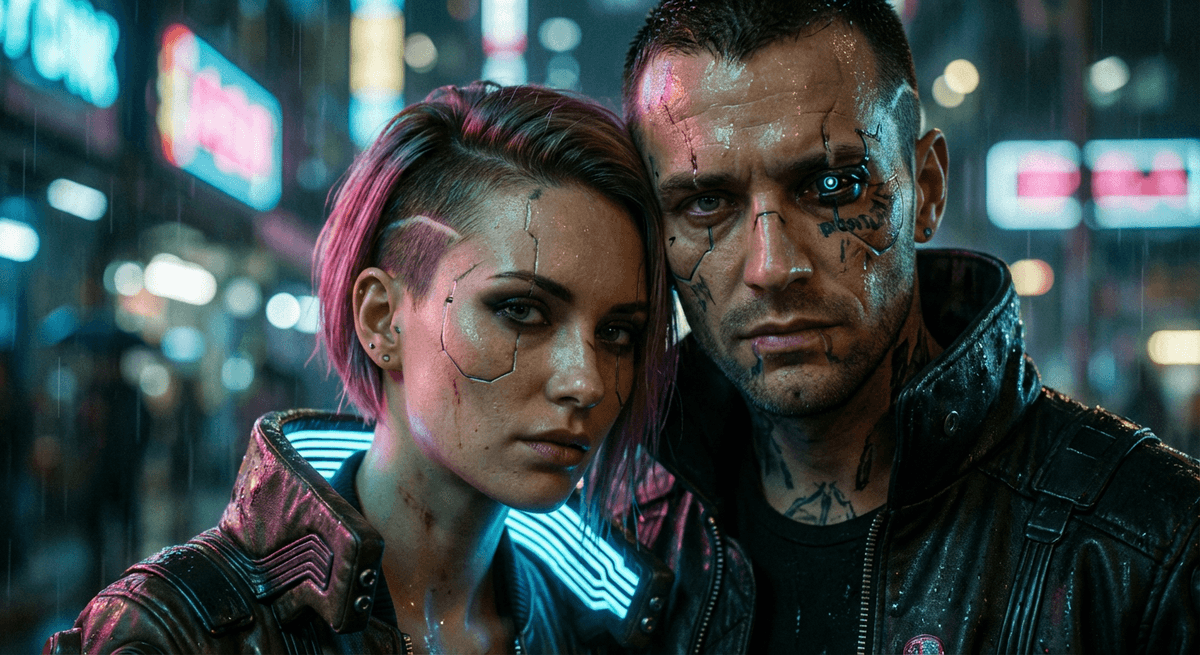
3. Nastia AI
Nastia AI combines character-oriented interaction with a standalone image and video generator. For readers whose uncensored AI generator search really means persistent character storytelling, the useful part of that combination is continuity: users can develop a persona or scene in conversation, then move into visual generation with text-to-image, text-to-video, or image-to-video tools. Public product documentation also describes face and body references, negative prompting, aspect-ratio controls, seed reuse, and upscaling—features that matter when consistency is more important than a single lucky image.
This is a better match for narrative creators than for teams building a conventional design pipeline. An unrestricted AI character workflow can help maintain tone and appearance across a sequence, but it also means you should pay close attention to what personal information and reference media are stored. Test identity consistency with non-sensitive source material first, then review deletion, training, and export rules before committing to a recurring character workflow.
| Best for | Character storytelling, recurring personas, image-to-video experiments |
|---|---|
| Output | Text-to-image, text-to-video, and image-to-video |
| Creative control | Face/body references, negative prompts, seed, upscale |
| Setup | Hosted web app with an account |
| Watch for | Review reference-media retention and character privacy |
4. Venice AI
Venice AI is the broadest privacy-oriented option in this comparison. For an unrestricted AI search spanning several media types, its current product covers text, images, editing, upscaling, and video through private or anonymized model routes without requiring separate accounts and local installations. The practical advantage is not a blanket promise that every request succeeds; it is the ability to choose a workflow and understand whether processing is described as private, anonymized, or handled by a third-party model.
Those privacy labels still need to be read model by model. Anyone evaluating an uncensored AI generator should note that Venice documents zero-retention behavior for selected self-hosted models and anonymization for other providers, while premium media models can use credits and different infrastructure. Before uploading personal imagery, confirm the badge shown for the exact image or video model, test deletion and history settings, and keep an external record of the model and parameters used for any production asset.

| Best for | Private or anonymized chat, image, editing, and video workflows |
|---|---|
| Output | Text, images, edits, upscales, and model-dependent video |
| Creative control | Model choice, references, editing, upscale, and API access |
| Setup | Browser and mobile access; account tier and credits affect limits |
| Watch for | Verify the privacy badge and retention model for the exact endpoint |
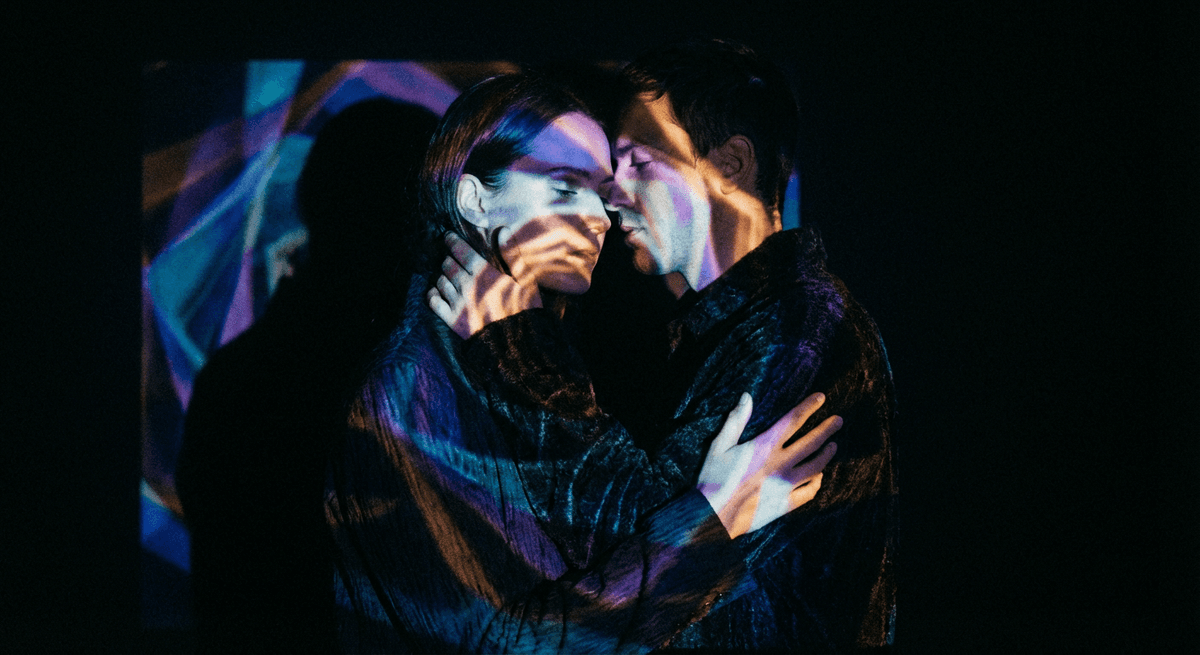
5. Raphael AI
Raphael AI appears in no-restriction AI image searches because its basic experience removes common access barriers: the site advertises no login to start, a free basic model, reference-image input, aspect-ratio choices, and multiple outputs. That makes it useful for quickly testing whether a prompt, composition, or style direction is worth pursuing before moving to a higher-resolution or more controllable production workflow.
Access without a paywall is not the same as unrestricted content. An uncensored AI image generator label cannot replace Raphael's published content guidelines, and free output, queues, watermark behavior, resolution, and commercial terms can differ from paid modes. Treat the product as a rapid image prototype tool: compare the same prompt across several runs, verify whether reference images persist, and read the current license before using an asset commercially.
| Best for | Free image ideation, prompt tests, and quick reference-led concepts |
|---|---|
| Output | Still images plus separate image and video tools |
| Creative control | Prompt, reference images, aspect ratio, output count, model |
| Setup | Browser-based; basic creation can start without login |
| Watch for | Content rules, queue, watermark, resolution, and license by plan |
6. ComfyUI
ComfyUI is not a single model and does not promise one-click results. It is an open-source node-based interface and inference engine that lets technical users connect models, conditioning, samplers, reference inputs, upscalers, and post-processing into an inspectable workflow. That transparency is valuable when an uncensored AI comparison is really about owning the pipeline, reproducing a result, or keeping selected media on infrastructure the user controls.
The freedom comes with operational responsibility. A local unrestricted AI workflow can still expose data when custom nodes execute third-party code, the interface is bound to a network, or storage is connected to the cloud. Model licenses differ and GPU requirements can be substantial. Pin versions, review every custom-node repository, restrict network access, document model provenance, and add your own moderation and deletion process before other people can submit media.
| Best for | Reproducible local workflows, research, and custom pipelines |
|---|---|
| Output | Model-dependent images, video, audio, and post-processing graphs |
| Creative control | Nodes, models, conditioning, samplers, references, and automation |
| Setup | Advanced local, server, or cloud deployment |
| Watch for | Custom-node security, model licenses, network exposure, and GPU cost |
7. Grok Imagine
Grok Imagine is xAI's image and video generation surface, built for rapid prompting and shareable visual output. Within an uncensored AI generator comparison, its advantage is immediacy: users can move from an idea to an image, then into short-form motion without assembling a node graph or managing local models. That makes it attractive for social concepts, visual jokes, stylized portraits, and fast variations where discovery is more important than a highly repeatable studio pipeline.
The product and its modes evolve quickly, so old reviews can become inaccurate. Check the current interface for resolution, clip length, reference-image handling, watermarking, account limits, and mode-specific policies rather than treating an unrestricted AI label or the phrase “spicy mode” as a complete feature description. For professional use, test consistency across multiple runs and archive prompts externally; a fast consumer workflow is not automatically a dependable asset-management system.

| Best for | Social concepts, stylized images, fast image-to-video ideas |
|---|---|
| Output | Images and short generated videos |
| Creative control | Prompting, references, and mode-dependent settings |
| Setup | Hosted xAI product with account access |
| Watch for | Fast-changing features, policy, limits, and asset history |
8. Seedance
ByteDance's Seedance family is built for high-end video generation with strong motion, visual storytelling, and reference-based control. For readers comparing an uncensored AI video generator, it is especially relevant when the real need is to coordinate subject appearance, shot language, and scene continuity rather than animate a single portrait in isolation. Reference inputs can help define characters, objects, style, or motion cues, making the model attractive for short narrative sequences and previsualization.
More control also demands clearer direction. In an unrestricted AI video workflow, break the brief into subject, action, environment, camera, lighting, and pacing; then remove instructions that compete with one another. Evaluate temporal consistency at full speed as well as frame by frame, because an attractive thumbnail can hide identity drift or unstable hands during motion. Access paths, available versions, clip limits, and commercial terms can differ by product surface, so verify the exact endpoint before planning a production schedule.
| Best for | Cinematic previsualization, multi-reference shots, narrative clips |
|---|---|
| Output | Text-to-video and reference-led video |
| Creative control | Subjects, objects, style, motion, camera, and references |
| Setup | Hosted product or API, depending on region and access |
| Watch for | Version-specific limits, access path, and prompt complexity |
9. Hailuo AI Video
Hailuo, powered by MiniMax video models, offers a relatively approachable route into text-to-video and image-to-video generation. In an uncensored AI video generator search, it fits creators who really want to test motion ideas without first building a local workflow. A strong source frame can carry composition and art direction into the clip, while the prompt concentrates on movement, lens behavior, atmosphere, and timing. This makes it practical for mood shots, landscape motion, and short character beats.
The main quality check is motion plausibility rather than first-frame beauty. An unrestricted AI video claim says little about sudden camera acceleration, warped geometry, background shimmer, or facial changes near the end of a clip. Write prompts as a small shot list, avoid asking for several major actions at once, and preserve enough negative space for the camera move. API capabilities and consumer-app controls are not always identical, so confirm resolution, duration, queue, and pricing in the interface you will actually use.
| Best for | Mood shots, landscape motion, short image-to-video tests |
|---|---|
| Output | Text-to-video and image-to-video |
| Creative control | Prompt, source frame, model-dependent camera guidance |
| Setup | Consumer web product and developer API options |
| Watch for | End-of-clip drift, app/API differences, and queue limits |
10. Wan
Wan is the open-model choice in this roundup. In an uncensored AI generator comparison, its appeal is not a simplified consumer interface but deployment control: technical users can inspect available checkpoints, build custom pipelines, keep selected workflows on infrastructure they manage, and integrate generation with existing tooling. That makes Wan relevant to studios and researchers who need reproducibility, automation, or data boundaries that a closed website cannot provide.
Self-hosting does not mean effortless or automatically private. A self-hosted unrestricted AI system remains compute-intensive, model and dependency versions need to be pinned, and every surrounding component—from a web UI to cloud storage—affects security. Teams should review the license for the exact checkpoint, estimate GPU memory and runtime costs, add access controls, and document moderation and deletion procedures before exposing a local deployment to other users.

| Best for | Self-hosted research, custom pipelines, controlled infrastructure |
|---|---|
| Output | Open text-to-video and image-to-video workflows |
| Creative control | Checkpoint, sampler, pipeline, inputs, and post-processing |
| Setup | Advanced local or cloud GPU deployment |
| Watch for | Compute cost, license, dependency security, and operations |
Uncensored AI options compared by operating model
The useful distinction is where the model runs and who controls the data—not whether a landing page says “unrestricted.”
| Option | Best suited to | Main tradeoff |
|---|---|---|
| Mainstream hosted suite | Reliable workflows, support, and predictable quality | Broader safety rules and account-level enforcement |
| Specialized hosted generator | A focused style, effect, or media format | Privacy and policy quality vary significantly by provider |
| Local open model | Technical users who need data and workflow control | Hardware, setup, licensing, security, and safety are your responsibility |
| API or self-hosted endpoint | Teams building a controlled production pipeline | Requires engineering, monitoring, moderation, and incident response |
Seven checks before you upload
- 01.Who operates the service and where is the company registered?
- 02.Are uploads or outputs used to train models?
- 03.How long are files retained, including backups?
- 04.Can you permanently delete generations and your account?
- 05.Does the provider publish a real-person and minor-safety policy?
- 06.What license applies to commercial outputs?
- 07.Is there a working abuse-report and support channel?
Consent before capability
A tool's ability to make an edit does not create permission to make or distribute it. Only use authorized adult media.
Read our privacy policyFinal verdict
Use Couple AI Video Studio for authorized adult photos, identity-aware editing, and moderated photo-to-video creation.
Frequently asked questions
1. Is there a completely uncensored AI generator?
There is no universal definition or guarantee. Local models may have fewer service-side filters, but technical, legal, licensing, and ethical constraints still apply.
2. Are uncensored AI generators private?
Not automatically. Privacy depends on where the model runs, what the provider stores, whether files are used for training, and how deletion works.
3. Is a local AI model safer than a website?
Local execution can reduce third-party data exposure, but only if the computer, model files, plugins, and workflow are secured and responsibly managed.
4. Can I use an unrestricted AI tool for photos of other people?
Only when every depicted adult has given meaningful permission for that specific edit and use. Never use minors or create non-consensual intimate depictions.
5. Is Couple AI an uncensored AI generator?
No. Couple AI supports creative image and video workflows with moderation, consent expectations, and restrictions on harmful or explicit real-person content.
Conclusion
An in-depth comparison of 10 uncensored AI image and video generators, with original visual examples, embedded video, workflow advice, privacy checks, and clear recommendations.
Turn one photo into a vivid video
Open Video Studio with HappyHorse 1.1 already selected.