Couple AICouple AI
Recent Tasks
Generate minimalist outlines for designs, tattoos, logos, and coloring pages

Line Art Generator

Turn prompts and reference photos into crisp black-and-white outlines, minimalist illustrations, tattoo sketches, coloring pages, logo concepts, and clean digital drawings with a practical line art generator.

Create clean outlines, tattoo sketches, coloring pages, icons, and minimalist drawings with a line art generator built for fast online visual ideas.

Create line art
Line art generator preview with clean outline drawing, tattoo sketch, logo concept, and coloring page examples
| line art generator | ai line art generator | image to line art | line drawing generator | tattoo line art generator |

How to Use the Line Art Generator

The line art generator follows a simple creative workflow: write a clear prompt or upload one reference image, choose the line drawing style you want, then generate a clean outline that can be downloaded or refined.

1

Write a clear line art prompt

Start the line art generator with a direct description: the subject, pose, object, composition, stroke weight, background, and use case. A prompt like minimalist cat outline, clean black strokes, white background is easier to follow than a vague request for art.

2

Choose the right outline style

Tell the line art generator whether you need continuous line art, fine-line tattoo art, bold coloring page outlines, simple icon strokes, botanical sketching, or logo-style symmetry. Style guidance keeps the drawing consistent.

3

Generate, compare, and download

Review the result, adjust the prompt, and regenerate if the line art generator adds too much detail or misses a key shape. Download the cleanest version for a tattoo consultation, printable coloring page, logo draft, craft file, or design board.

Features of Line Art Generator

Couple AI combines line-art prompts, before-and-after comparison, reference images, and downloadable outline results in one creative workflow.

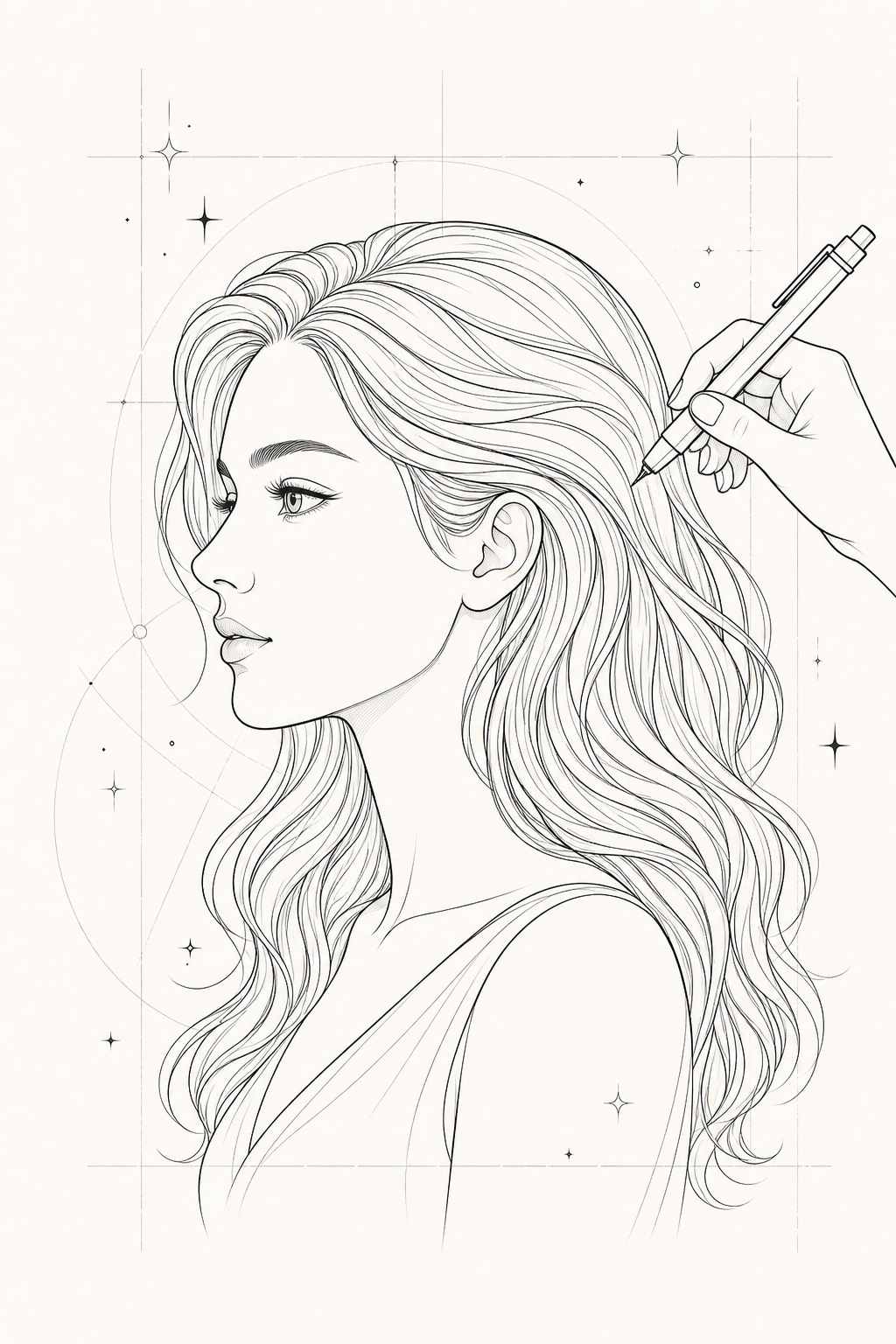
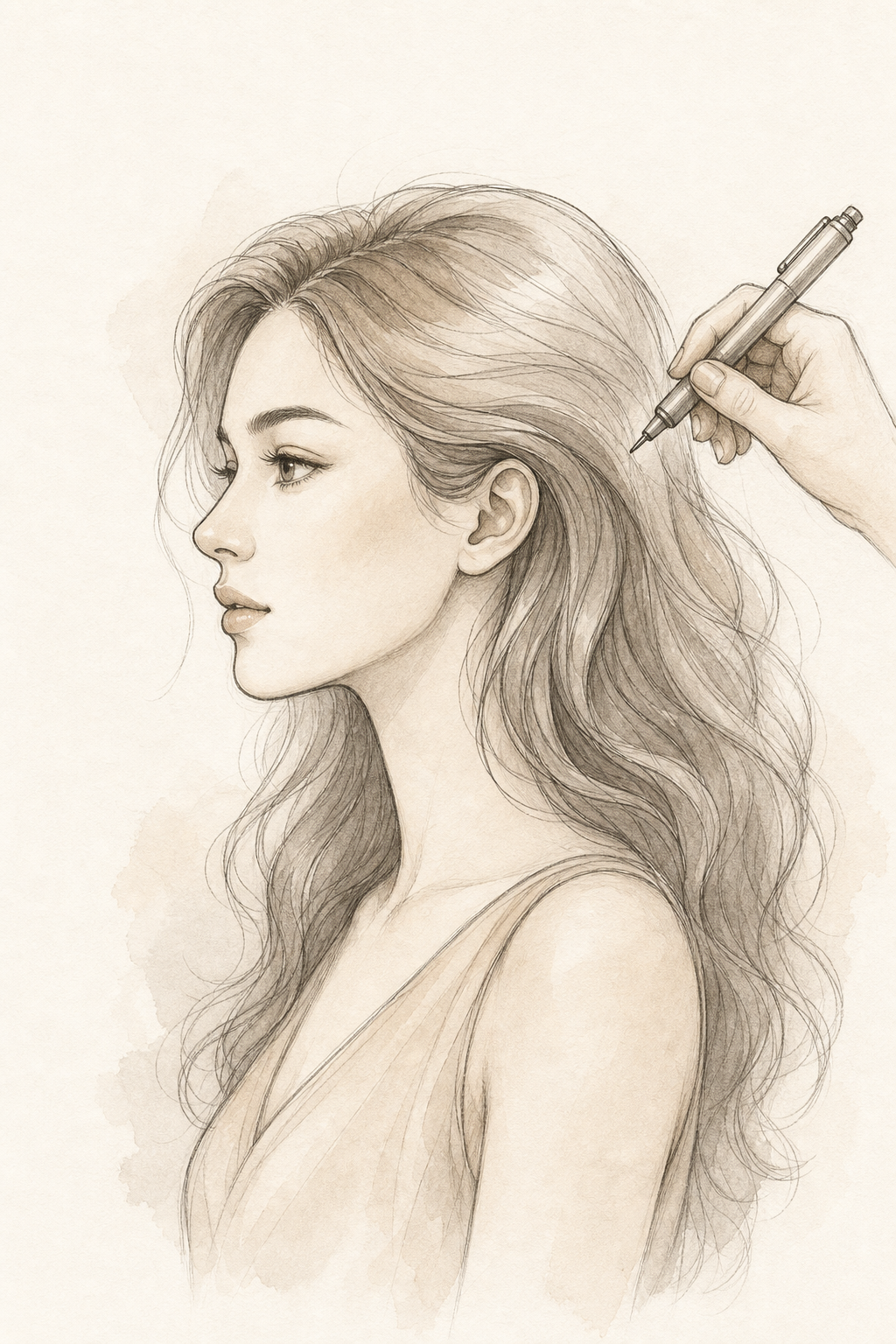
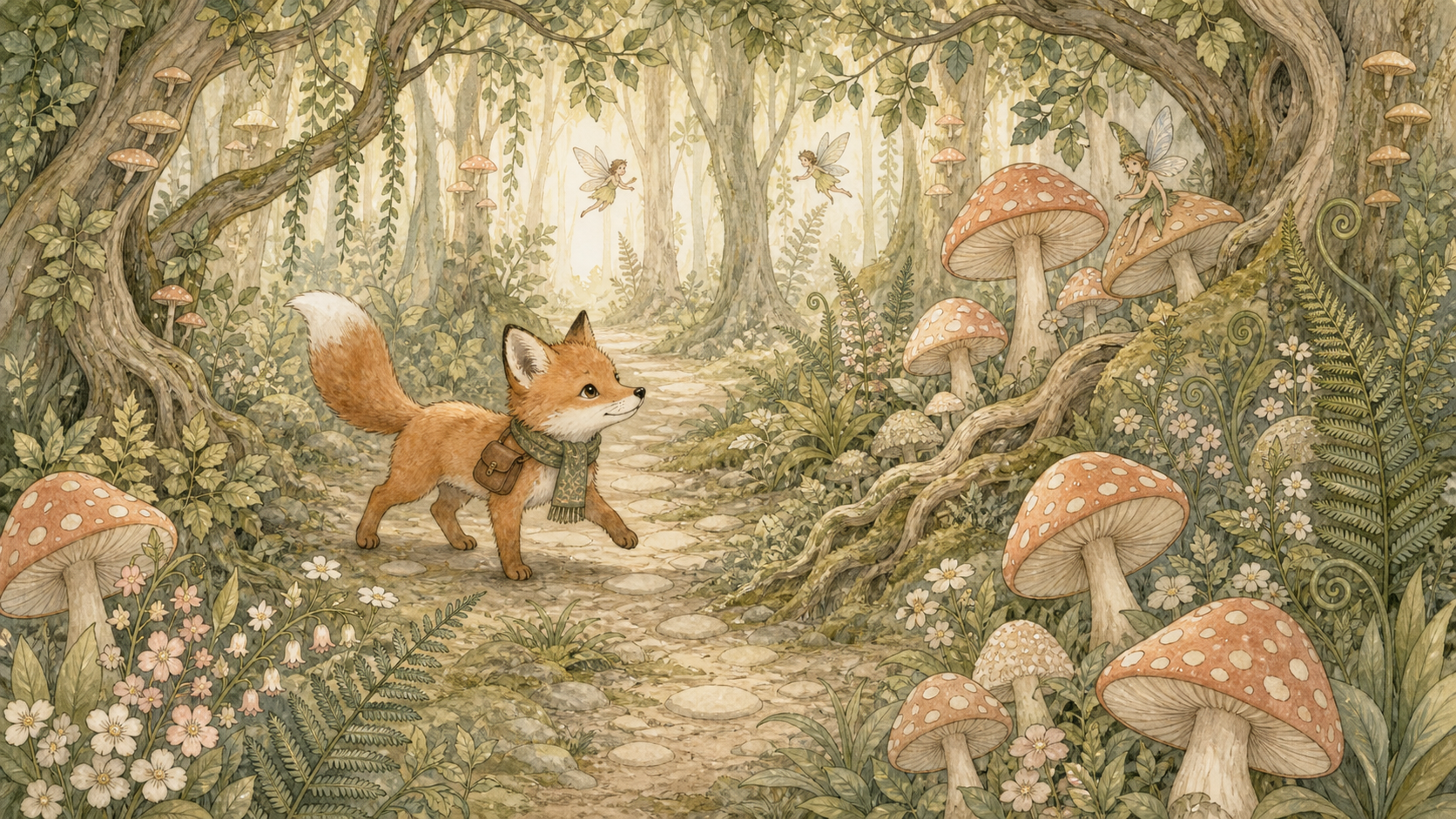
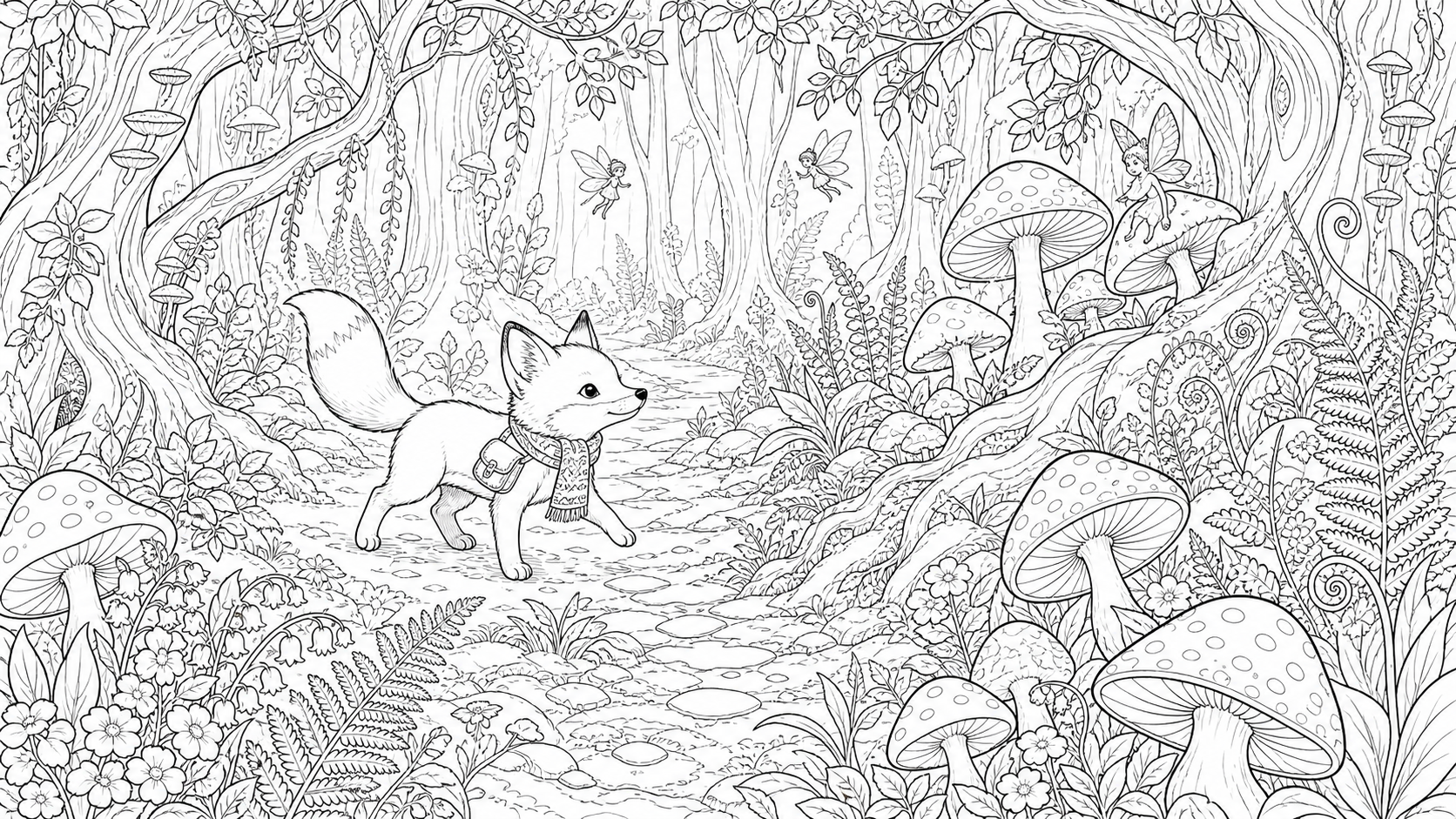
Text to line art in seconds — Reference idea
Text to line art in seconds — Line art result
Line art result
Reference idea
Drag to compare

Text to line art in seconds

  • A useful line art generator should turn a short idea into a clear outline without forcing you to draw from scratch. Describe the subject, the stroke weight, the level of detail, and the intended use. The line art generator then creates a high-contrast black-and-white drawing that is easy to review, download, and refine.
  • Create clean black outlines from text prompts, portraits, objects, pets, flowers, buildings, and product ideas
  • Use the line art generator to create a continuous black line drawing of a cat sitting on a windowsill, minimalist outline, white background, clean smooth strokes, no shading.
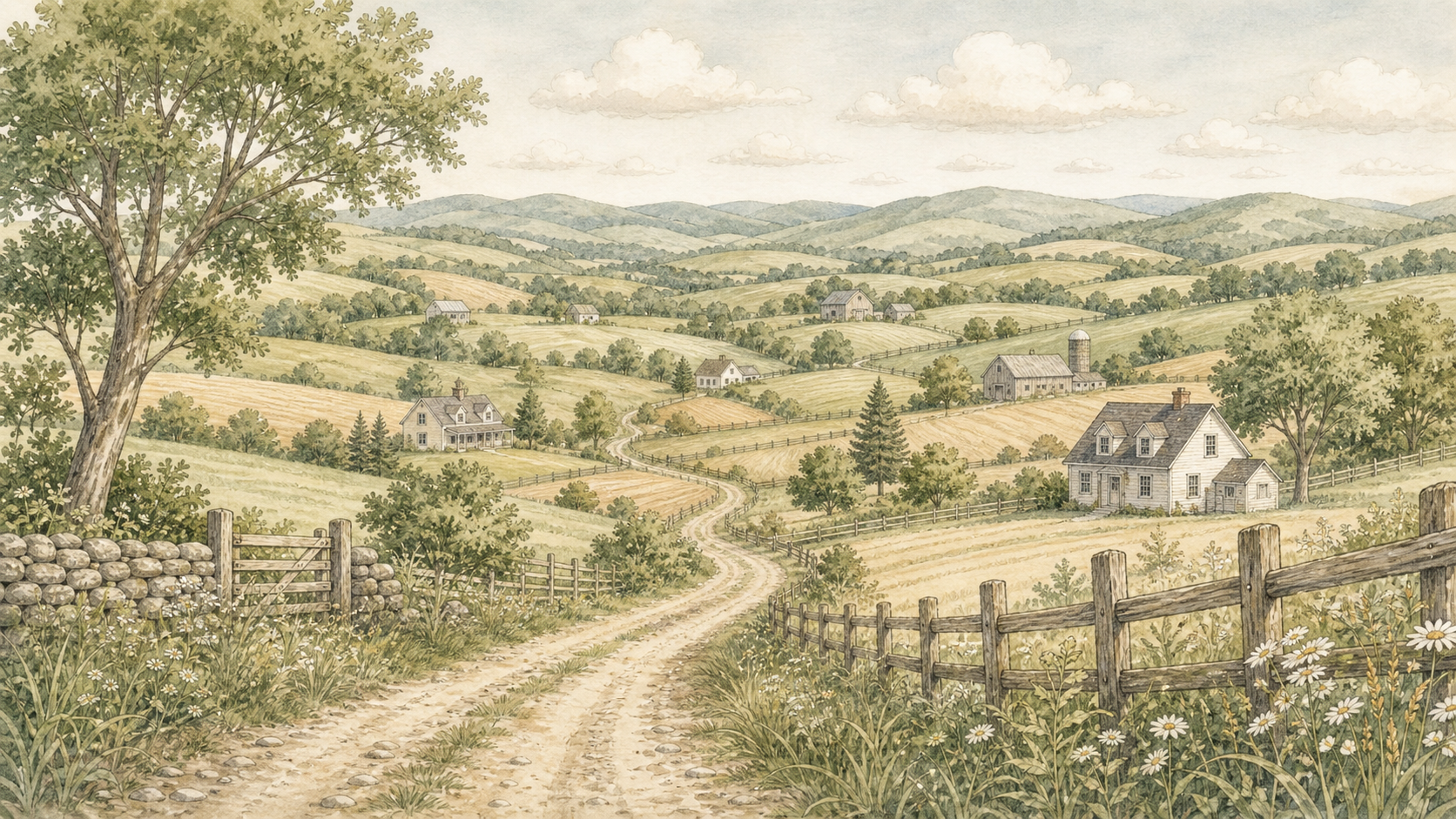
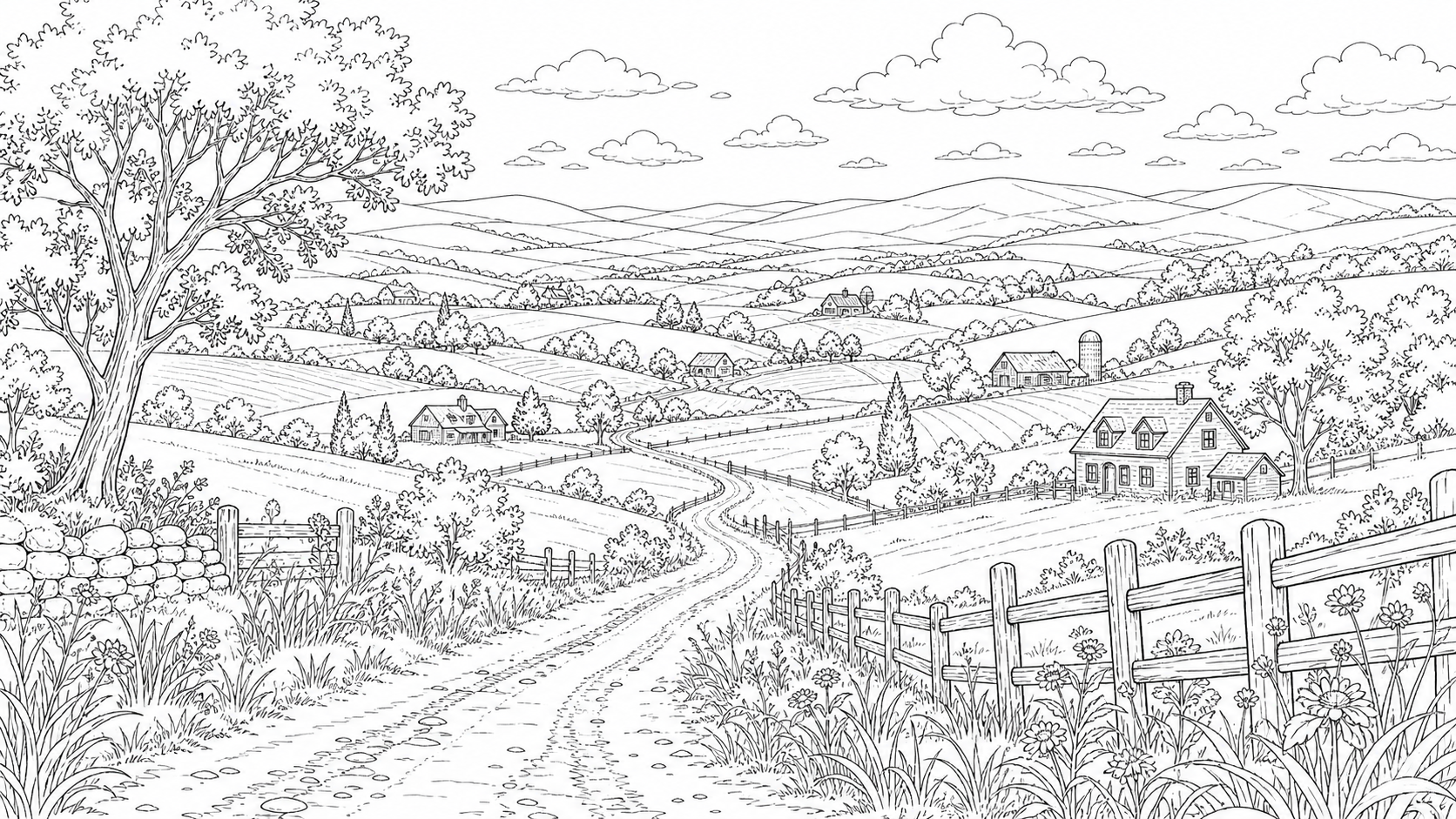
Image to line art for real references — Reference idea
Image to line art for real references — Line art result
Line art result
Reference idea
Drag to compare

Image to line art for real references

  • When you already have a photo, the line art generator can simplify the subject into clean contours. Upload a portrait, pet, product, flower, building, or object, then ask for simple outlines, smooth strokes, minimal shading, and a white background. This image to line art workflow is useful when the final drawing needs to stay recognizable.
  • Use the line art generator for tattoo sketches, icons, coloring pages, prints, craft templates, and logo concepts
  • Turn the uploaded pet photo into clean line art with recognizable facial features, simple black outlines, balanced negative space, smooth vector-like strokes, and no color.
Tattoo, logo, and coloring page ideas — Reference idea
Tattoo, logo, and coloring page ideas — Line art result
Line art result
Reference idea
Drag to compare

Tattoo, logo, and coloring page ideas

  • The line art generator is flexible enough for fine-line tattoo concepts, minimalist logo drafts, coloring pages, icon sets, craft templates, wall prints, and social graphics. The best results use direct prompts and avoid too many competing details, so the final outline remains clean instead of crowded.
  • Keep every result simple, high contrast, easy to edit, and ready for download or creative iteration
  • Create a fine-line tattoo sketch of a rose and small leaves, delicate black outlines, elegant spacing, no fill color, no background texture, ready for a tattoo concept review.

Best Line Art Generator Use Cases

Use this workflow for tattoos, coloring pages, icons, logos, printable templates, minimalist illustrations, and design references.

Use a line art generator to create minimalist illustrations for websites, posters, packaging, and social media

Use the line art generator to create a continuous black line drawing of a cat sitting on a windowsill, minimalist outline, white background, clean smooth strokes, no shading.

Convert pet photos, portraits, products, flowers, and buildings into clean image to line art references with the line art generator

Turn the uploaded pet photo into clean line art with recognizable facial features, simple black outlines, balanced negative space, smooth vector-like strokes, and no color.

Draft fine-line tattoo sketches with a line art generator before talking with a tattoo artist

Create a fine-line tattoo sketch of a rose and small leaves, delicate black outlines, elegant spacing, no fill color, no background texture, ready for a tattoo concept review.

Build printable coloring pages with bold outlines and open areas using the line art generator

Create a printable coloring page with a cozy street, small cafe, plants, simple building outlines, thick readable black lines, white background, and open areas for coloring.

Generate simple logo concepts, icons, stickers, labels, and craft templates with the line art generator

Use the line art generator to create a continuous black line drawing of a cat sitting on a windowsill, minimalist outline, white background, clean smooth strokes, no shading.

Prepare black-and-white outlines for embroidery, engraving, laser cutting, or vector redraws from a line art generator result

Turn the uploaded pet photo into clean line art with recognizable facial features, simple black outlines, balanced negative space, smooth vector-like strokes, and no color.

What Users Say About Line Art Generator

Creators, teachers, designers, and tattoo clients use Couple AI to turn ideas and references into clean outlines.

"

I used the line art generator for a tattoo concept, and the before-after comparison made the idea much easier to explain.

Emily R. testimonial avatar
Emily R.
Tattoo sketch

Frequently Asked Questions About Line Art Generator

Common questions about prompts, reference photos, tattoos, coloring pages, logos, and line art results.

You can use a line art generator to create minimalist illustrations, tattoo sketches, coloring pages, icons, logo concepts, pet outlines, botanical drawings, product outlines, craft templates, stickers, printable black-and-white designs, embroidery references, engraving ideas, and vector redraw drafts. The best line art generator results keep the subject readable through clear contour, balanced negative space, confident black strokes, and a plain background. Start with simple subjects, avoid unnecessary decoration, and refine the prompt until the outline is clean enough to download, trace, print, or edit.

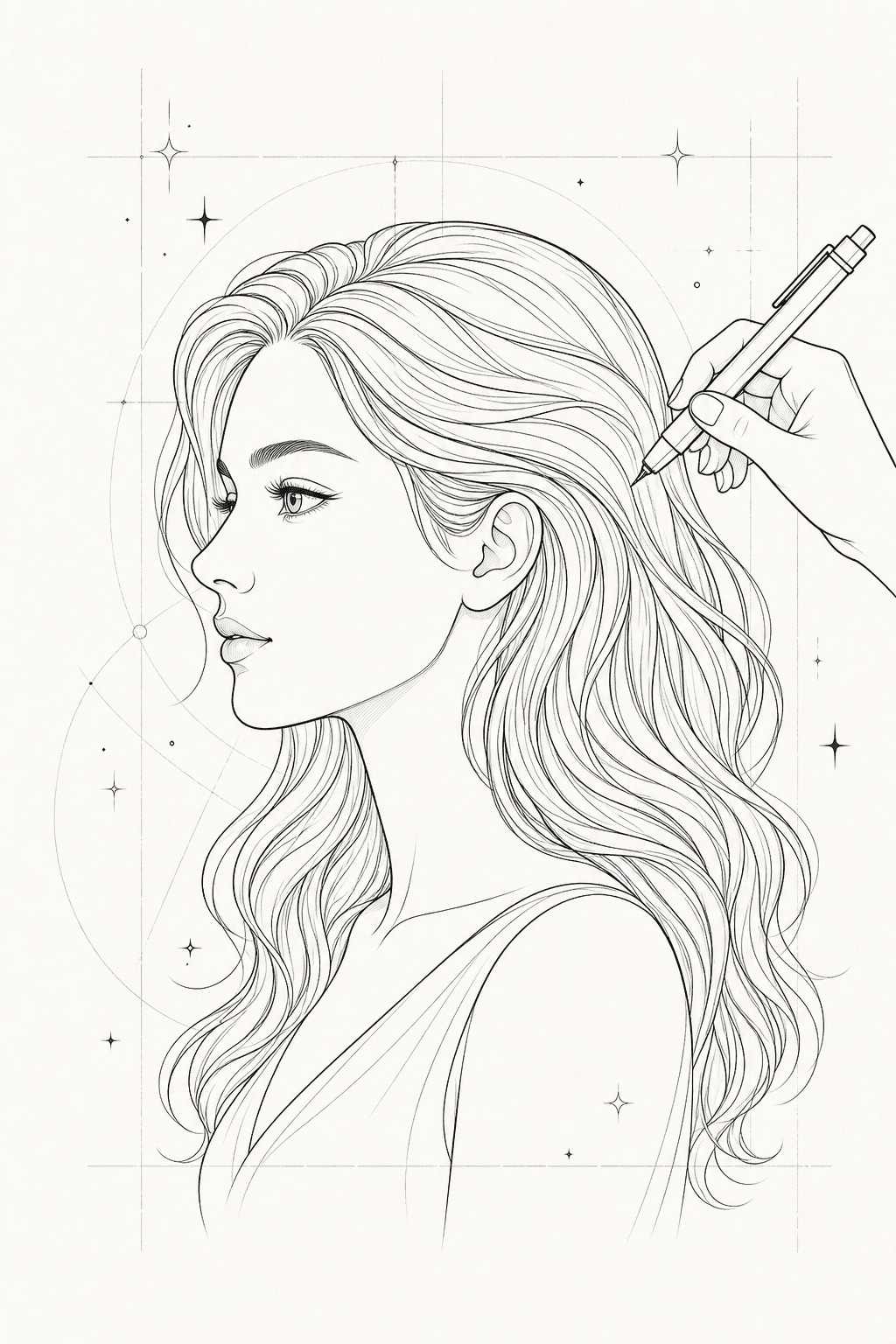
Yes. Upload a clear photo and ask the line art generator to preserve the main silhouette, important features, and recognizable shapes while removing color, texture, and background clutter. Image to line art works well for pets, portraits, products, flowers, buildings, vehicles, homes, and simple objects. Use a higher-quality source when recognition matters, then tell the line art generator whether you want smooth continuous outlines, fine-line detail, bold coloring-page strokes, or simple logo-style geometry.

A strong prompt tells the line art generator the subject, style, stroke weight, background, and use case. For example: clean black line art drawing of a rose, fine-line tattoo style, smooth outlines, white background, no color, no shading, no clutter. Add negative instructions like no photorealistic texture, no gray fill, no heavy shadows, and no messy background when you need cleaner output. For coloring pages, ask for bold readable outlines and open areas; for logos, ask for centered composition, simple geometry, and scalable icon style.

A line art generator is useful for exploring tattoo ideas, especially fine-line concepts, floral sketches, symbols, pets, initials, hands, stars, waves, mountains, and simple decorative shapes. Treat the result as a concept image rather than a final stencil. A professional tattoo artist should still adapt the design for placement, size, skin, line thickness, healing behavior, and long-term readability. Keep tattoo prompts simple, ask for black fine-line art, and preserve only the important shapes if you upload a personal reference.

Yes. Ask the line art generator for bold readable outlines, open areas for coloring, a white background, no gray shading, and a printable coloring page style. This works for animals, flowers, fantasy scenes, rooms, vehicles, food, educational worksheets, craft activities, and adult coloring pages with botanical or decorative detail. If the page is for children, avoid tiny interior details; if it is for adults, you can request more complex patterns while still keeping the lines clean and printable.

Yes. A line art generator can create early logo and icon concepts by producing simple outline marks with balanced geometry. A logo prompt should be restrained: simple line art icon, centered composition, high contrast, white background, minimal detail, and scalable design. For production use, a designer should still review uniqueness, redraw the best concept as a clean vector, choose typography, set brand colors, and check how the mark performs at small sizes.

This line art generator is built for practical creative work rather than one-off novelty images. You can start with a prompt or reference image, generate a clean outline, compare the source and result, then adjust the prompt for fewer details, stronger contours, or a different use case. It is useful for creators, small business owners, designers, tattoo clients, teachers, parents, and crafters who need a fast starting point without opening a complex design editor.

Create Clean Line Art With AI

Turn prompts and reference photos into crisp black-and-white outlines, minimalist illustrations, tattoo sketches, coloring pages, logo concepts, and clean digital drawings with a practical line art generator.

Create line art
Line art generator preview with clean outline drawing, tattoo sketch, logo concept, and coloring page examples