1
Upload Parent Photos
Start with two clear parent portraits. Front-facing photos, visible eyes, and natural light help the AI baby generator preserve family resemblance while creating an entertainment-only baby portrait.
 Couple AI
Upload parent photos, choose baby direction, run the AI baby generator, compare share-ready results, and save your favorite future baby portraits into custom albums.
Start with two clear parent portraits. Front-facing photos, visible eyes, and natural light help the AI baby generator preserve family resemblance while creating an entertainment-only baby portrait.
Pick gender, age, result count, and portrait direction so the AI baby generator knows whether you want a newborn preview, toddler concept, future child image, or soft studio baby photo.
Run the AI baby generator to create one, two, or four polished baby predictions. Compare expressions, lighting, and realism before choosing your favorite future baby photo.
Save the best AI baby generator results into custom albums, collect private keepsakes, and reuse your favorite baby portrait for photoshoot, dance, or greeting-card ideas.
This AI baby generator is built for playful, polished baby predictions that move naturally from two parent photos into private albums, share-ready portraits, and future baby video tools.
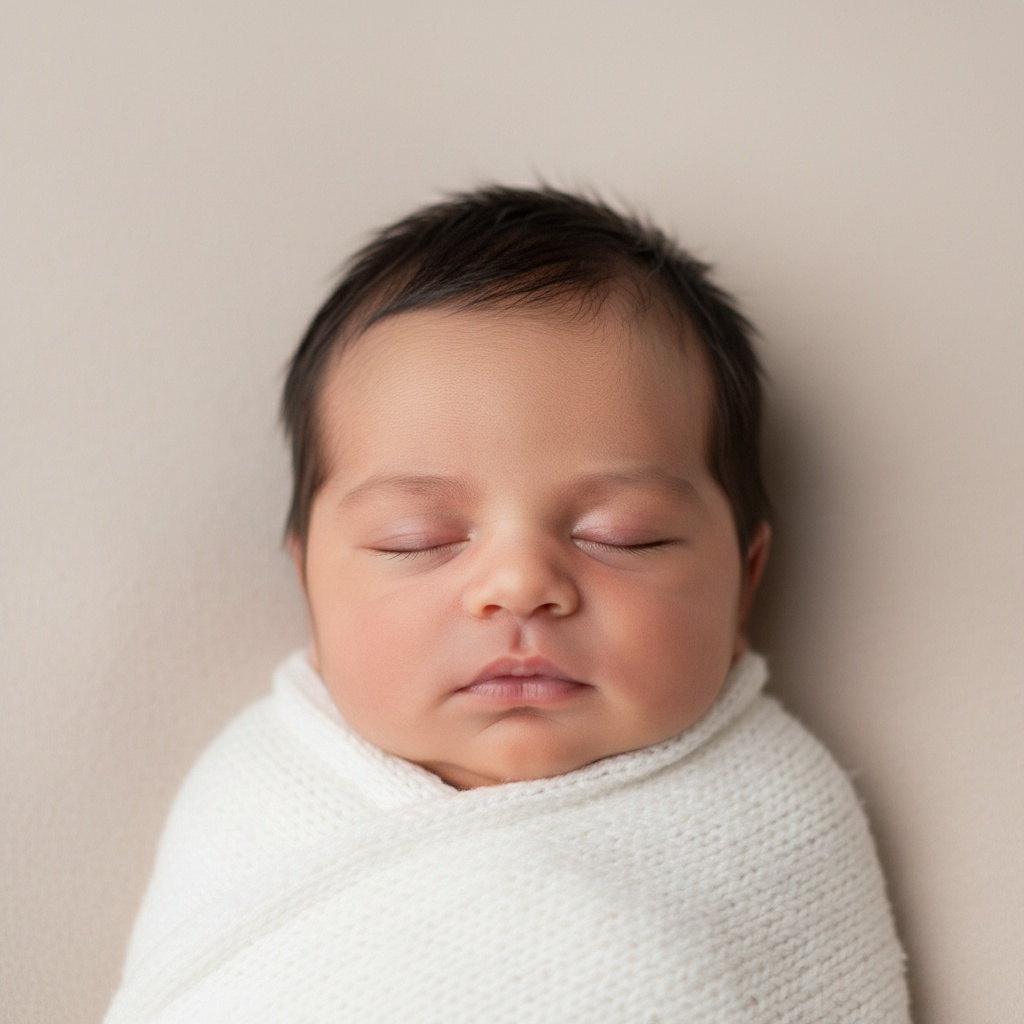
The AI baby generator focuses on natural-looking future baby portraits from two parent photos. It balances facial cues, skin tone, lighting, and expression while keeping results clearly framed as entertainment, keepsake, and creative content.
Use AI baby generator photos for private keepsakes, family albums, announcements, and playful social content. Each idea starts with two parent references and a future baby portrait that can become part of a larger Couple AI story.
Use the AI baby generator to create soft newborn previews and future family visuals for announcement cards, private messages, or surprise reveals — playful, polished, and clearly entertainment-only.
Turn parent portraits into a playful visual memory with the AI baby generator, then save favorite results into albums and compare multiple future baby photo outputs.
Preview newborn, twins, toddler, and future child ideas before selecting a final style. The AI baby generator helps families test creative directions without arranging a real photoshoot.
Generate polished baby portraits for carousel posts, story assets, or future video prompts. A strong AI baby generator creates still images ready for dance, podcast, or greeting-card ideas.
Start with a still portrait from the AI baby generator, then build toward short-form motion concepts like birthday greetings, cheek pinch clips, or playful family messages.
Collect the strongest AI baby generator portraits in a custom album before sharing. Compare variations, keep personal favorites, and build a private visual story for future family memories.
Couples and families use the AI Baby Generator for private keepsakes, playful announcements, and album-ready baby portraits.
The AI Baby Generator gave us a sweet future baby portrait that felt polished enough for our private album. It was fun, clear, and easy to compare different results.

Common questions about AI baby generator references, output quality, privacy, pricing, and entertainment-only baby prediction.
Upload parent photos, run the AI baby generator, create HD baby portraits, and save your favorite future baby results into a custom album.
Start creating