Couple AICouple AI
Criações recentes
Generate a surprising flower in a polished botanical style

Random Flower Generator

Create an unexpected bloom with a practical random flower generator. Upload an optional reference, keep the built-in botanical direction, choose a size, and generate original flower art with GPT Image 2.

Use a random flower generator to create unique botanical art, fantasy blooms, floral patterns, wallpapers, tattoo ideas, and beautiful flower images online.

Create a random flower
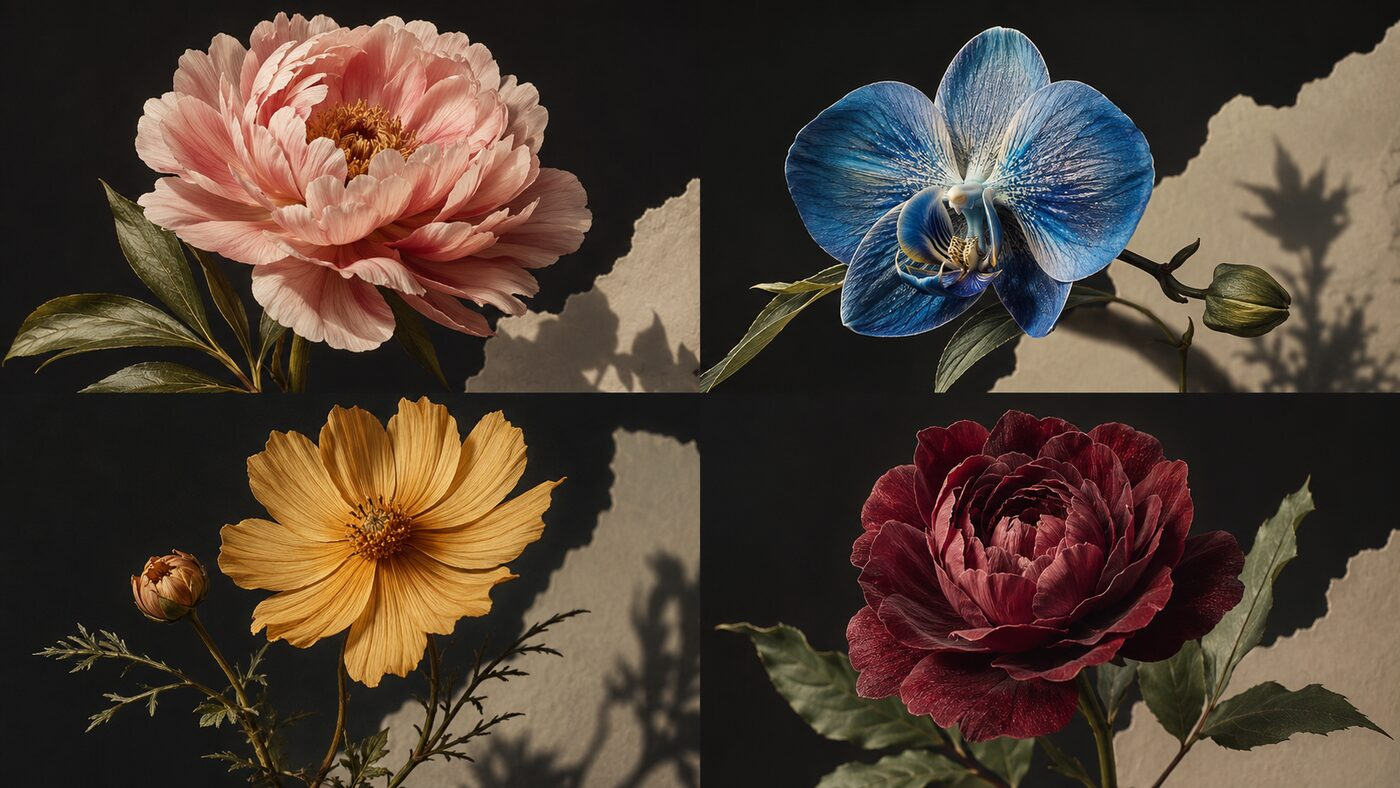
Random flower generator preview with blush, blue, gold, and burgundy botanical artwork
| random flower generator | ai flower generator | random flower image generator | flower art generator | random flower picker |

How to Use the Random Flower Generator

The random flower generator follows the same direct workflow as Couple AI's other image tools: decide whether you need a reference, choose output settings, create the flower, then compare or regenerate until the bloom fits your project.

1

Upload a reference or begin with no image

Start the random flower generator without an upload for maximum surprise. If you already like a color palette, flower silhouette, sketch, fabric pattern, or photographic composition, upload one clear reference to guide the result.
2

Choose quality, ratio, and output count

Use 1:1 for square floral art, 3:4 or 9:16 for posters and mobile wallpaper, and 16:9 for wide scenes. Pick the quality and number of results that match how many random flower generator variations you want to compare.

3

Create, review, and generate again

Select Create and review the result in Recent Tasks. Generate again when you want a different species, palette, petal structure, mood, or composition. Save the strongest random flower generator result for your creative project.

Features of Random Flower Generator

Couple AI combines memory-focused prompts, private keepsake workflows, and natural image or video enhancement in one tool experience.

Create a new flower instead of picking a name

Create a new flower instead of picking a name

  • A basic random flower picker returns a species name. This random flower generator creates a complete visual concept. GPT Image 2 interprets petal structure, stem shape, leaf placement, palette, lighting, texture, and mood together, so the output can become artwork rather than a line in a list. Use the random flower generator when you want to discover something you would not have searched for yourself. Every generation can move toward realistic botanical photography, dreamy illustration, fantasy concept art, tattoo references, stationery, or decorative patterns.
  • Generate realistic flowers, fantasy blooms, botanical illustrations, floral patterns, and wallpaper ideas
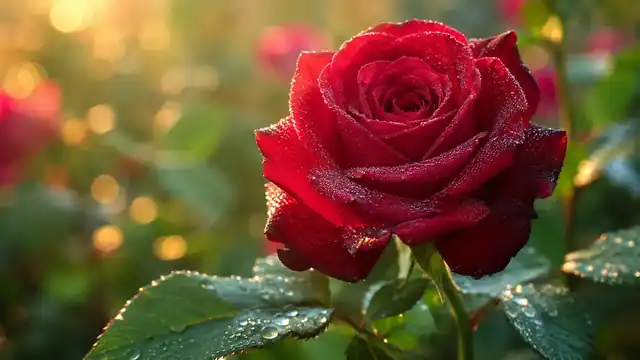
  • Use the random flower generator to create a lush blush-pink flower with layered natural petals, muted sage leaves, warm morning light, premium botanical photography, and a dark editorial background.
Start with a reference or generate from imagination

Start with a reference or generate from imagination

  • The random flower generator supports two useful workflows. Leave the upload area empty when you want a completely unexpected flower, or upload a reference when the final image should borrow a palette, silhouette, composition, or material direction. A clear reference can guide the random flower generator without forcing it to copy an existing bloom. This makes the tool useful for designers who already have a moodboard and for beginners who simply want the AI to surprise them.
  • Use the random flower generator with an optional reference image or the ready-made flower prompt
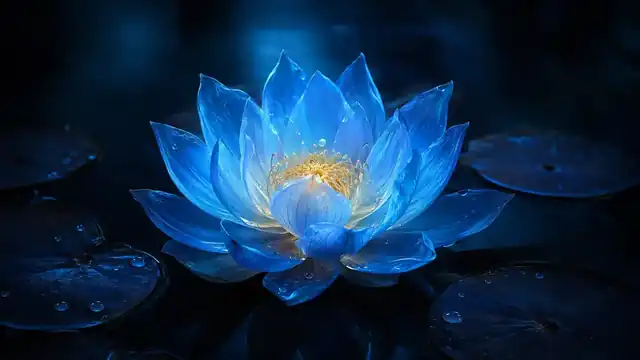
  • Create a rare moonlit blue flower with translucent petals, silver dew, sculptural leaves, subtle bioluminescence, cinematic light, and believable botanical anatomy.
Control quality, size, and variations

Control quality, size, and variations

  • Creative randomness still benefits from practical controls. Choose a square result for avatars and pattern tiles, a portrait ratio for posters and phone wallpapers, or a landscape ratio for banners and editorial compositions. Select the image quality and generate one or more variations when available. The random flower generator keeps these decisions beside the upload and Create button, so you can refine the same idea without leaving the workspace or rebuilding the prompt from the beginning.
  • Choose image quality, aspect ratio, output count, and private generation settings in one workspace
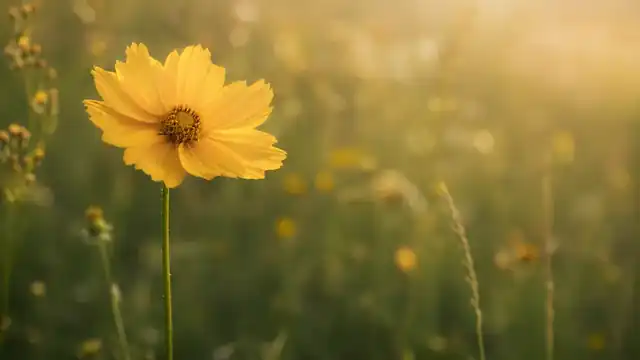
  • Generate a delicate golden wildflower moving in a gentle breeze, tactile petals, fine stem details, warm side light, understated dark background, and poetic botanical realism.

Best Random Flower Generator Use Cases

Use this workflow for family memory recovery, private keepsakes, long-distance photos, tribute projects, and archive cleanup.

Create original botanical artwork, posters, prints, wallpapers, and social media graphics with the random flower generator

Use the random flower generator to create a lush blush-pink flower with layered natural petals, muted sage leaves, warm morning light, premium botanical photography, and a dark editorial background.

Generate fantasy flowers and impossible hybrid blooms for games, stories, concept art, and imaginative worldbuilding

Create a rare moonlit blue flower with translucent petals, silver dew, sculptural leaves, subtle bioluminescence, cinematic light, and believable botanical anatomy.

Explore flower tattoo references, fine-line compositions, botanical symbols, and floral placement ideas

Generate a delicate golden wildflower moving in a gentle breeze, tactile petals, fine stem details, warm side light, understated dark background, and poetic botanical realism.

Build color palettes and floral motifs for packaging, branding, wedding stationery, invitations, and greeting cards

Create a deep burgundy velvet bloom with rich layered petals, dark green leaves, dramatic museum lighting, a black background, crisp texture, and premium fine-art styling.

Create repeat-pattern inspiration for fabric, wrapping paper, surface design, scrapbooking, and digital backgrounds

Use the random flower generator to create a lush blush-pink flower with layered natural petals, muted sage leaves, warm morning light, premium botanical photography, and a dark editorial background.

Generate flower references for drawing practice, watercolor studies, oil painting, collage, embroidery, and crafts

Create a rare moonlit blue flower with translucent petals, silver dew, sculptural leaves, subtle bioluminescence, cinematic light, and believable botanical anatomy.

Editorial notes and sources

How Couple AI Builds Trustworthy Flower Inspiration

This random flower generator creates visual concepts, not botanical identifications or gardening advice. The page was published on and last reviewed on .

For real plant names and accepted taxonomy, consult the Royal Botanic Gardens, Kew. Plants of the World Online provides authoritative information on the world's flora. For practical growing and plant-care guidance, use the Royal Horticultural Society plant guides. Do not use generated images to identify edible, medicinal, toxic, or invasive plants.

By Couple AI Editorial TeamAbout Couple AIContact Couple AI

What Users Say About Random Flower Generator

People use Couple AI memory tools for family albums, keepsakes, and private tribute projects.

"

I used this memory tool for old family photos and the result felt respectful, warm, and easy to share privately.

Emily R. testimonial avatar
Emily R.
Family memory project

Frequently Asked Questions About Random Flower Generator

Common questions about old photos, family photos, privacy, and AI memory videos.

The random flower generator creates original flower images that can look realistic, illustrated, cinematic, decorative, or fantastical. Each generation can vary the petal structure, palette, leaves, stem, lighting, texture, and composition. Use the result for art inspiration, moodboards, wallpapers, patterns, tattoo conversations, stationery concepts, and other visual projects.

Yes. Leave the upload area empty and select Create to let the random flower generator invent a bloom from the built-in botanical prompt. Uploading a reference is optional and is most useful when you want to guide the palette, silhouette, composition, or visual style.

Yes. The random flower generator can create impossible hybrid flowers, luminous petals, unusual gradients, sculptural leaves, dreamlike textures, and other fantasy details. The built-in prompt keeps enough botanical structure for the flower to feel coherent while still allowing surprise.

You can use the random flower generator for early tattoo inspiration, including flower silhouettes, petal arrangements, stems, leaves, and symbolic moods. Ask a professional tattoo artist to redraw the chosen direction for originality, placement, line weight, healing, and long-term readability.

Not necessarily. A random flower generator may create a believable fictional bloom or combine traits from different plant families. Do not use generated images for identification, medical decisions, edibility, pet safety, or cultivation guidance. Verify real-world plant information with reliable botanical sources.

Choose 1:1 for a centered bloom or square pattern, 3:4 and 9:16 for posters and phone wallpapers, 4:3 for editorial images, and 16:9 for wide botanical scenes. Higher quality is useful when the random flower generator result will be printed, cropped, or studied for detail.

This random flower generator combines GPT Image 2, optional reference upload, multiple image qualities, flexible aspect ratios, output variations, credits, private creation controls, and Recent Tasks in the same Couple AI workspace. You can move from surprise to a downloadable flower image without switching tools.

Start Creating Family Memories With AI

Create an unexpected bloom with a practical random flower generator. Upload an optional reference, keep the built-in botanical direction, choose a size, and generate original flower art with GPT Image 2.

Create a random flower
Random flower generator preview with blush, blue, gold, and burgundy botanical artwork