 Couple AI
Unlock Family Keepsakes With AI Memory Tools: Restore, Animate, and Create Family Photos
AI Memory tools restore old photos, animate portraits, and create private family keepsakes. Compare restoration, nostalgia video, and family photo tools.

Category
Image
Old Photo Restoration AI
AI Family Photo Generator
Video
Deep Nostalgia AI Alternative
Unlock Family Keepsakes With AI Memory Tools: Restore, Animate, and Create Family Photos
AI Memory tools help families restore old photos, animate meaningful portraits, and create private keepsakes from the pictures that matter most. Use this hub to compare the right workflow before you upload sensitive family photos: restoration for damaged prints, animation for treasured portraits, and family photo generation for relatives who cannot be together.
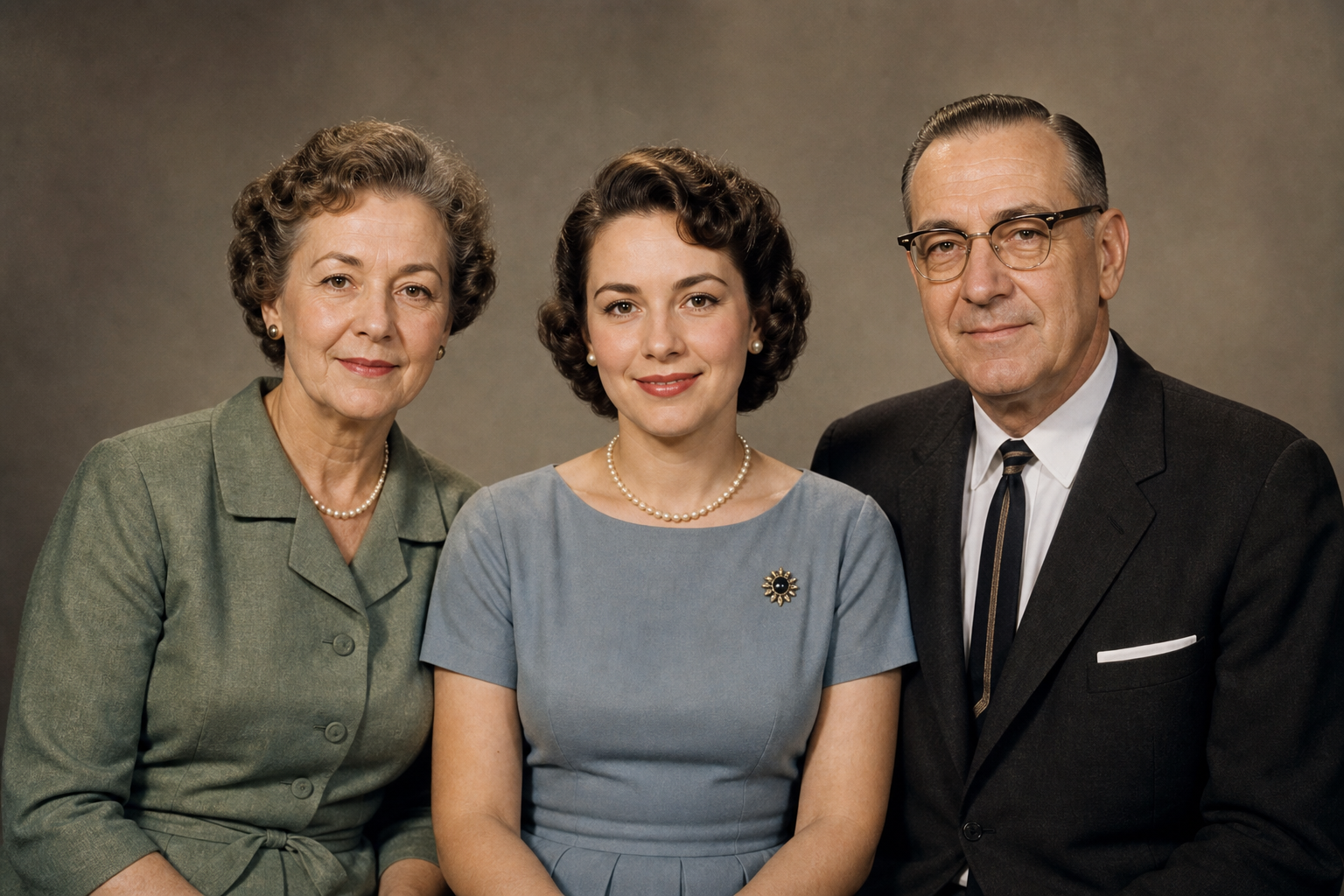
Restore, animate, create
One hub for private family memory workflows
Deep Feature Set for AI Memory tools
AI Memory tools help families restore old photos, animate meaningful portraits, and create private keepsakes from the pictures that matter most. Use this hub to compare the right workflow before you upload sensitive family photos: restoration for damaged prints, animation for treasured portraits, and family photo generation for relatives who cannot be together.
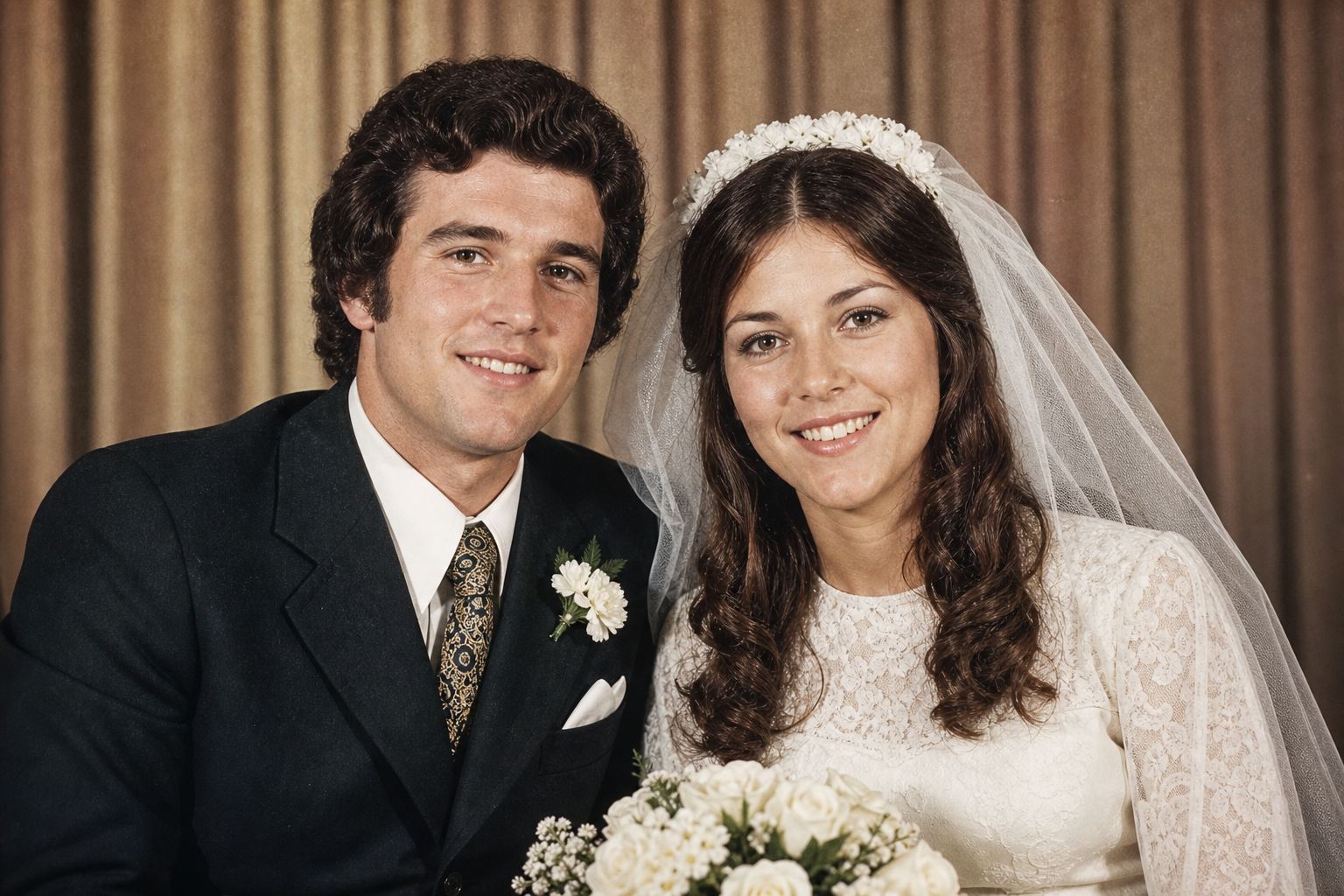
Restore
AI Memory tools make old photo restoration feel simple: clean up faded prints, old wedding photos, parent portraits, and scanned family pictures before you save, print, or share them. The best restoration workflow improves clarity while keeping the original identity, lighting, and emotional tone intact.
Animate
AI Memory tools can turn still portraits into gentle memory videos without making the result feel exaggerated. Use the Deep Nostalgia AI alternative when a parent, grandparent, or old couple photo already has emotional value and you want subtle movement for a tribute, album, or family message.
Create
AI Memory tools also help when the family photo does not exist yet. Generate private AI family photos for parent-child portraits, couple memories, long-distance relatives, and multi-generation scenes, using realistic prompts and clear reference images to keep the keepsake believable.
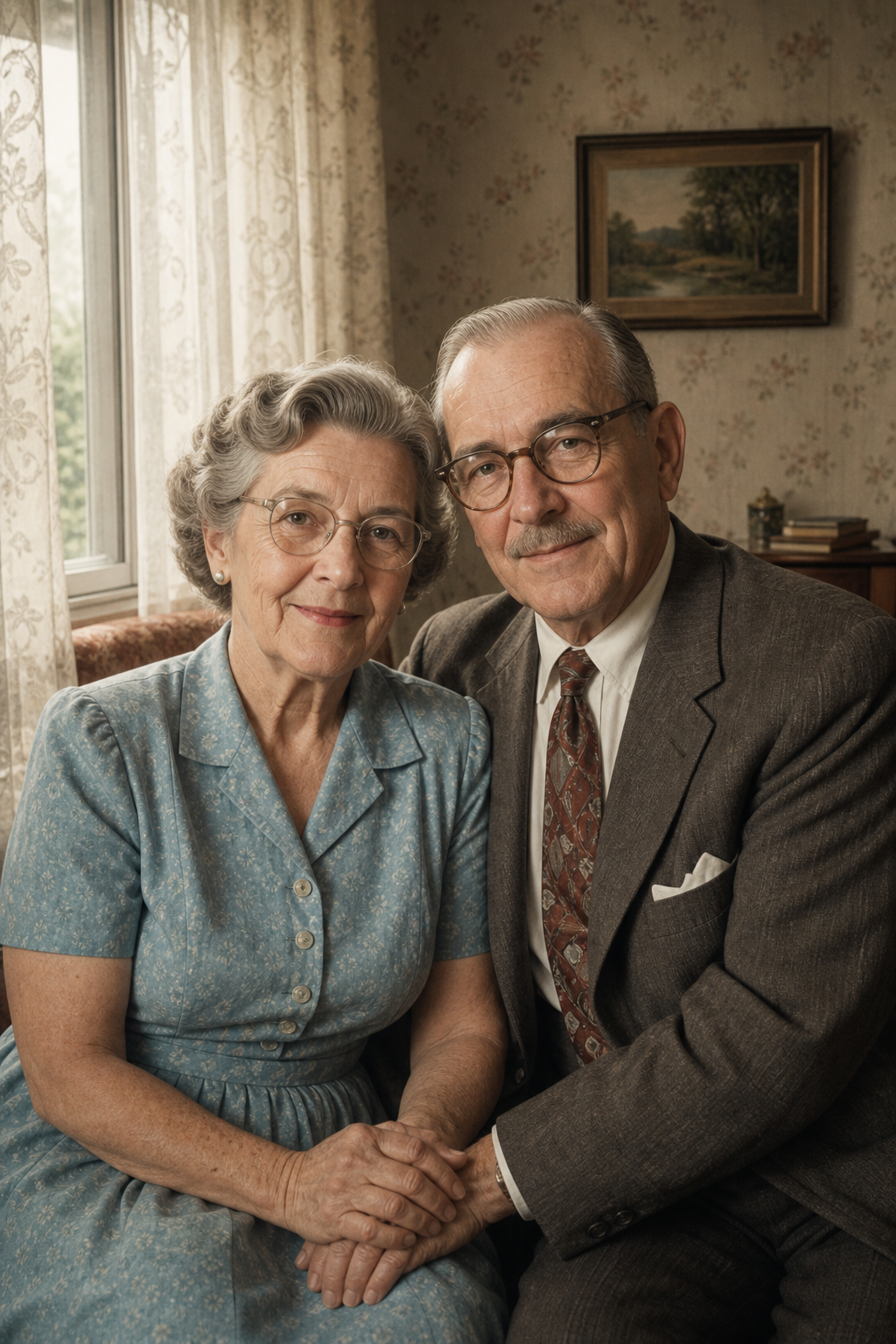
Restore old photos
Best when you have faded prints, old wedding photos, or family portraits that need clearer detail.
Animate old portraits
Best when you want AI Memory tools to create a Deep Nostalgia-style memory video from a meaningful still photo. Choose front-facing portraits, keep motion gentle, and describe expressions that feel respectful, warm, and natural.
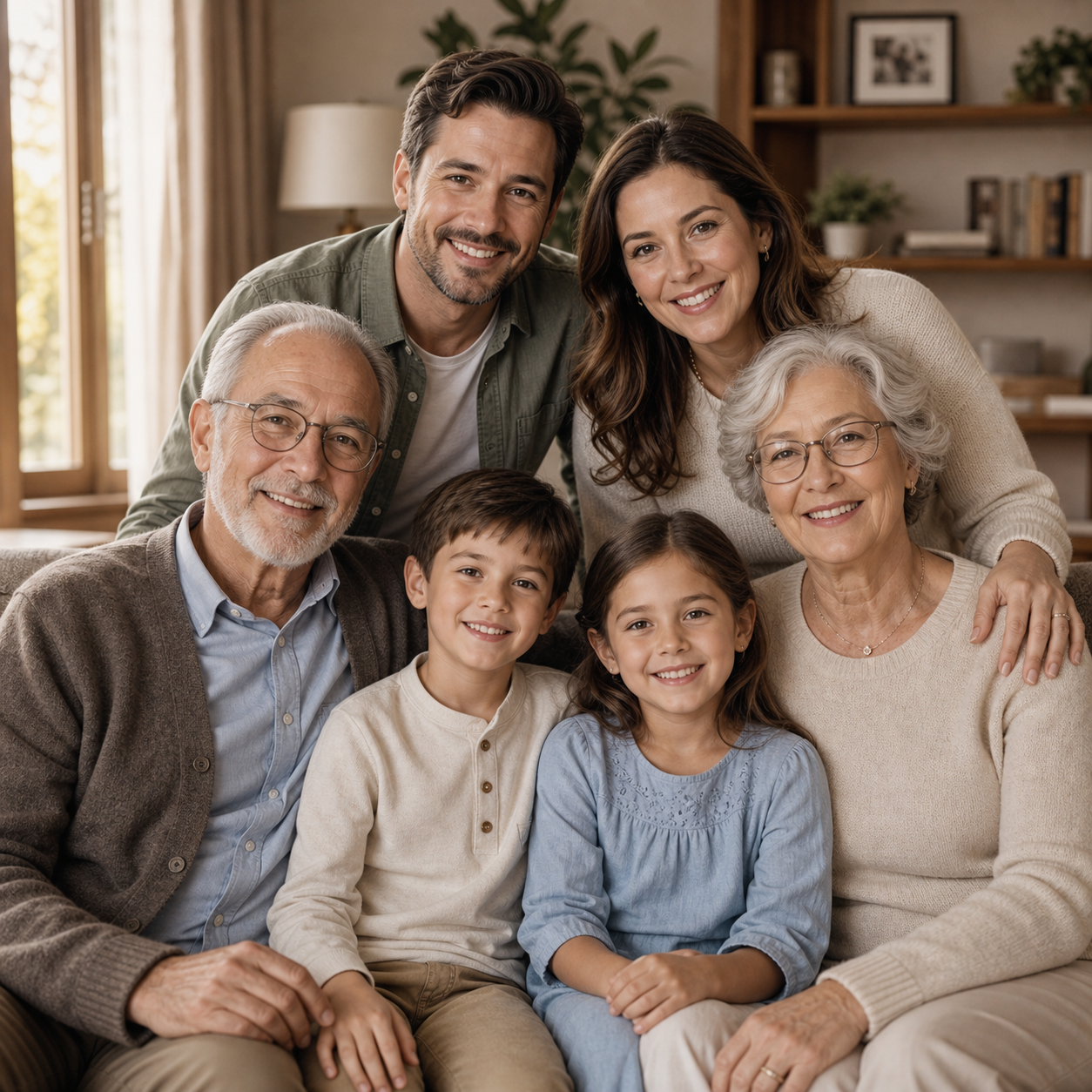
Create family photos
Best when family members are far apart or you want AI Memory tools to create a new keepsake portrait from existing images. This workflow is useful for parent-child photos, couple memories, anniversary gifts, and family albums that need one clear hero image.
Families Using AI Memory tools
Real memory projects need more than a flashy effect. These stories show how AI Memory tools help people restore old photos, animate meaningful portraits, create family keepsakes, and build private albums that feel respectful, easy to repeat, and simple to share with relatives.
AI Memory tools helped me turn a box of faded wedding photos into something my parents could actually enjoy again. I restored the prints first, then saved the best images for a small anniversary album.

AI Memory tools FAQ
These answers explain how AI Memory tools fit old photo restoration, portrait animation, family photo generation, privacy, print-ready keepsakes, and long-term album projects.
Start with old photo restoration if the source image is faded, scratched, blurry, stained, or scanned from a print. Choose Deep Nostalgia-style animation if the photo is already meaningful and you want a short memory video. Choose the AI family photo generator if you need a new parent-child portrait, couple keepsake, or long-distance family photo. AI Memory tools are organized this way so you can pick the right workflow before uploading private family images.
Yes. AI Memory tools are designed for personal keepsakes, family albums, anniversaries, memorial slideshows, holiday gifts, and long-distance family moments. Family photos often include parents, grandparents, children, partners, and relatives, so the strongest workflow is private by default and focused on respectful results rather than public sharing.
No. Clear phone scans, old portraits, wedding prints, and family snapshots can work well when the face and main subjects are visible. AI Memory tools usually perform better when the photo is not extremely tiny, heavily filtered, or blocked by glare. If an image is damaged, restore it first, then use the restored version for animation or family photo generation.
Many older users have boxes of prints, wedding portraits, parent photos, and family group pictures but do not want a complex design editor. AI Memory tools provide a clearer path: choose restoration, animation, or family photo creation, upload the image, use a simple memory prompt, and save a result that can be shared with children, siblings, or relatives.
Yes. A strong project often combines several AI Memory tools. You might restore an old couple photo first, animate one portrait into a warm memory video, then create a new family portrait for an album cover or printed gift. Using the tools together helps turn scattered images into a coherent family memory story.
Restore, Animate, and Create Family Memory Photos With AI Memory tools
Start with restoration when an old print needs care, choose animation when a portrait deserves a gentle memory video, or create a family photo when distance makes a real photoshoot difficult. AI Memory tools give every visitor a clear next step, so old albums, parent portraits, grandparent pictures, and long-distance family references can become organized private keepsakes instead of isolated files.
Start with old photos