1
Upload a clear photo
Start with a sharp portrait, pet photo, landscape, product shot, or travel image. Good lighting, a visible subject, and a clean composition help the oil painting filter preserve important details.
 Couple AI
Upload a portrait, pet photo, landscape, travel memory, or product shot and turn it into oil painting artwork with rich brush texture, canvas grain, warm color depth, and a gallery-ready painterly finish.
Turn portraits, pets, landscapes, and memories into textured canvas art with a photo to oil painting converter built for fast online results.
Create oil painting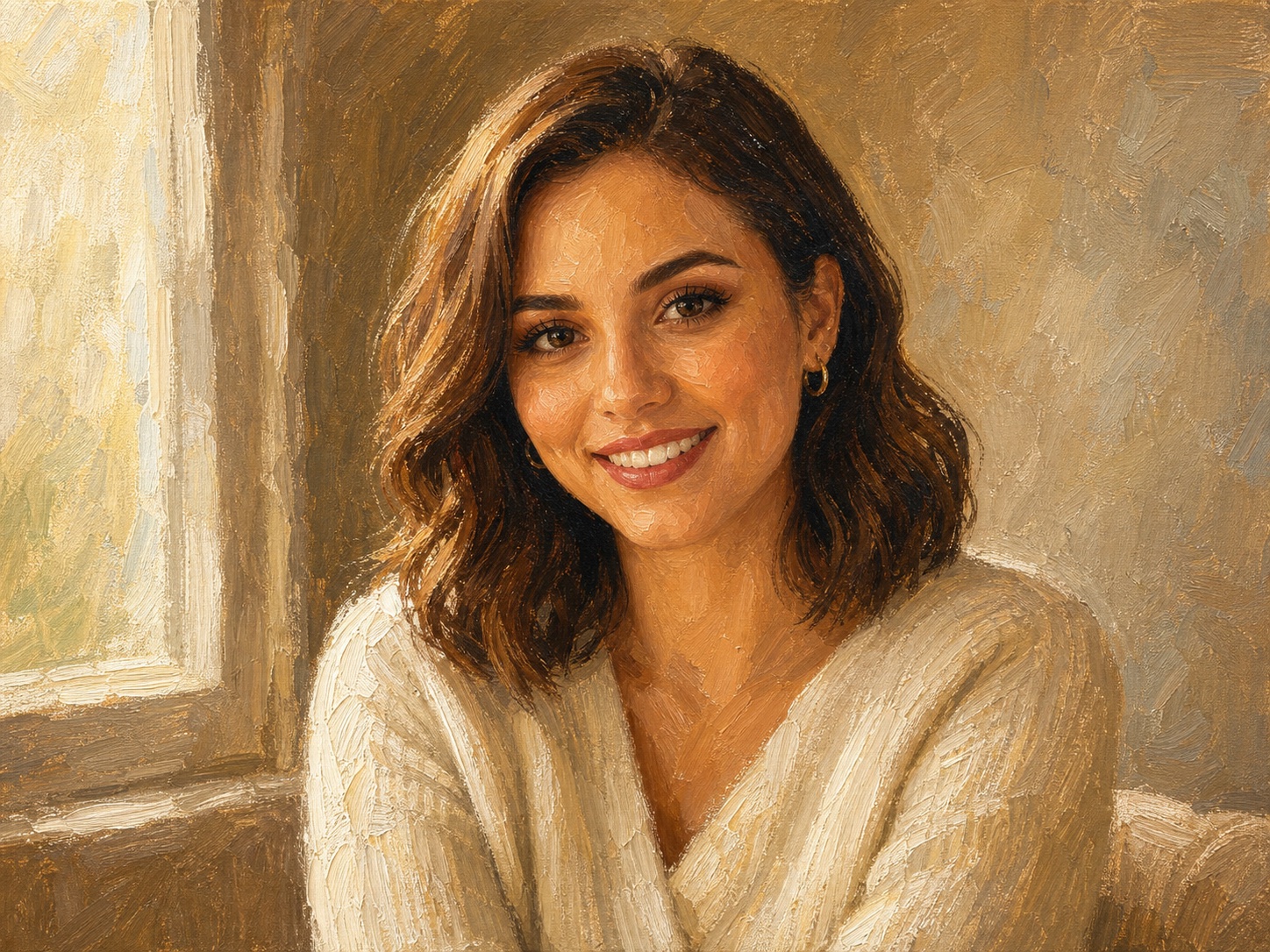
The workflow is simple: upload one clear image, generate a textured painting result, then download the version that best preserves your subject and adds a natural canvas finish.
Start with a sharp portrait, pet photo, landscape, product shot, or travel image. Good lighting, a visible subject, and a clean composition help the oil painting filter preserve important details.
The fixed prompt asks the model to keep the subject recognizable while adding brush strokes, canvas grain, layered color, soft edges, and a fine-art finish. You do not need to write a prompt from scratch.
Compare the original photo and the oil painting result. If the image is for printing, start with a high-resolution source and choose a crop that matches your canvas, poster, profile picture, or gift format.
Couple AI combines memory-focused prompts, private keepsake workflows, and natural image or video enhancement in one tool experience.
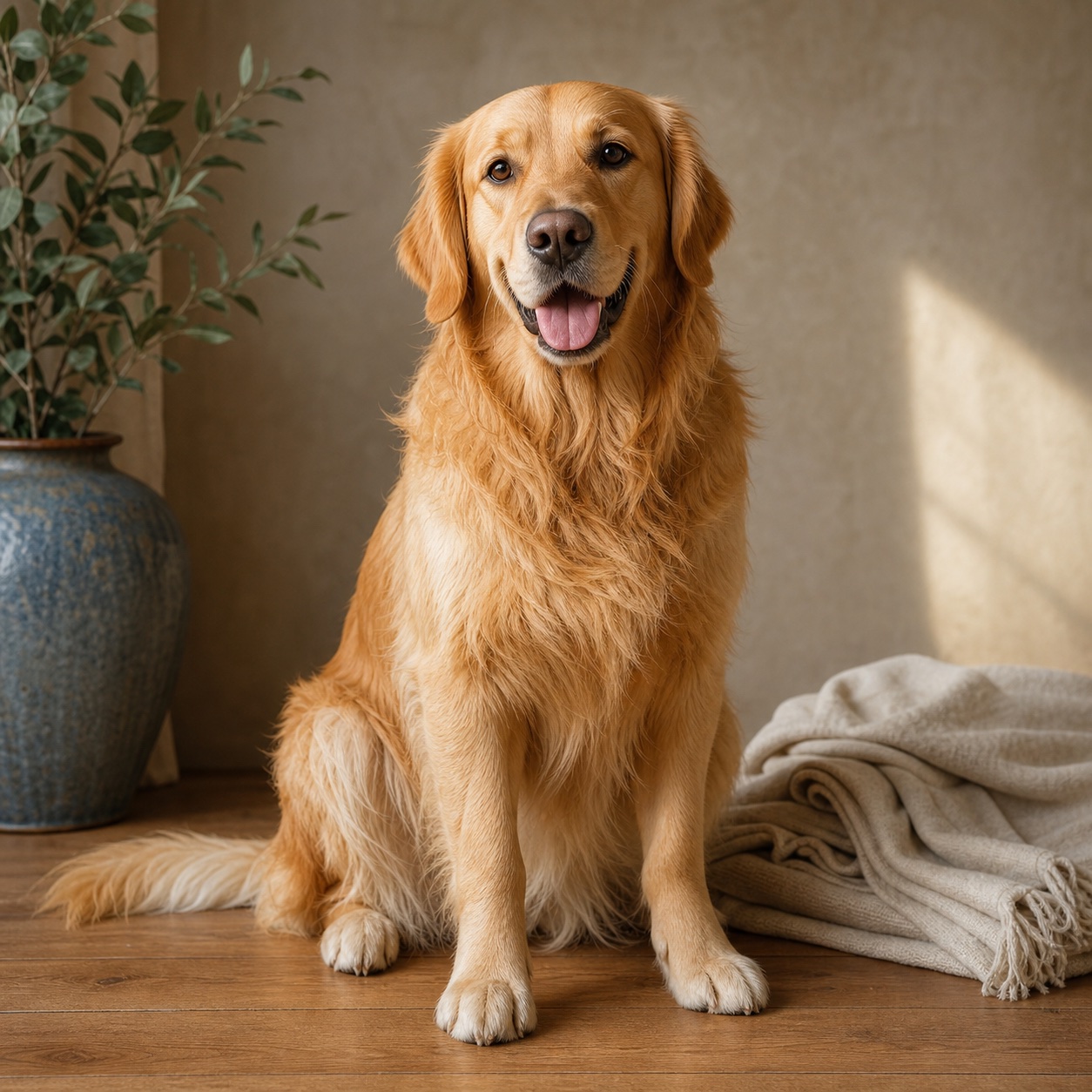
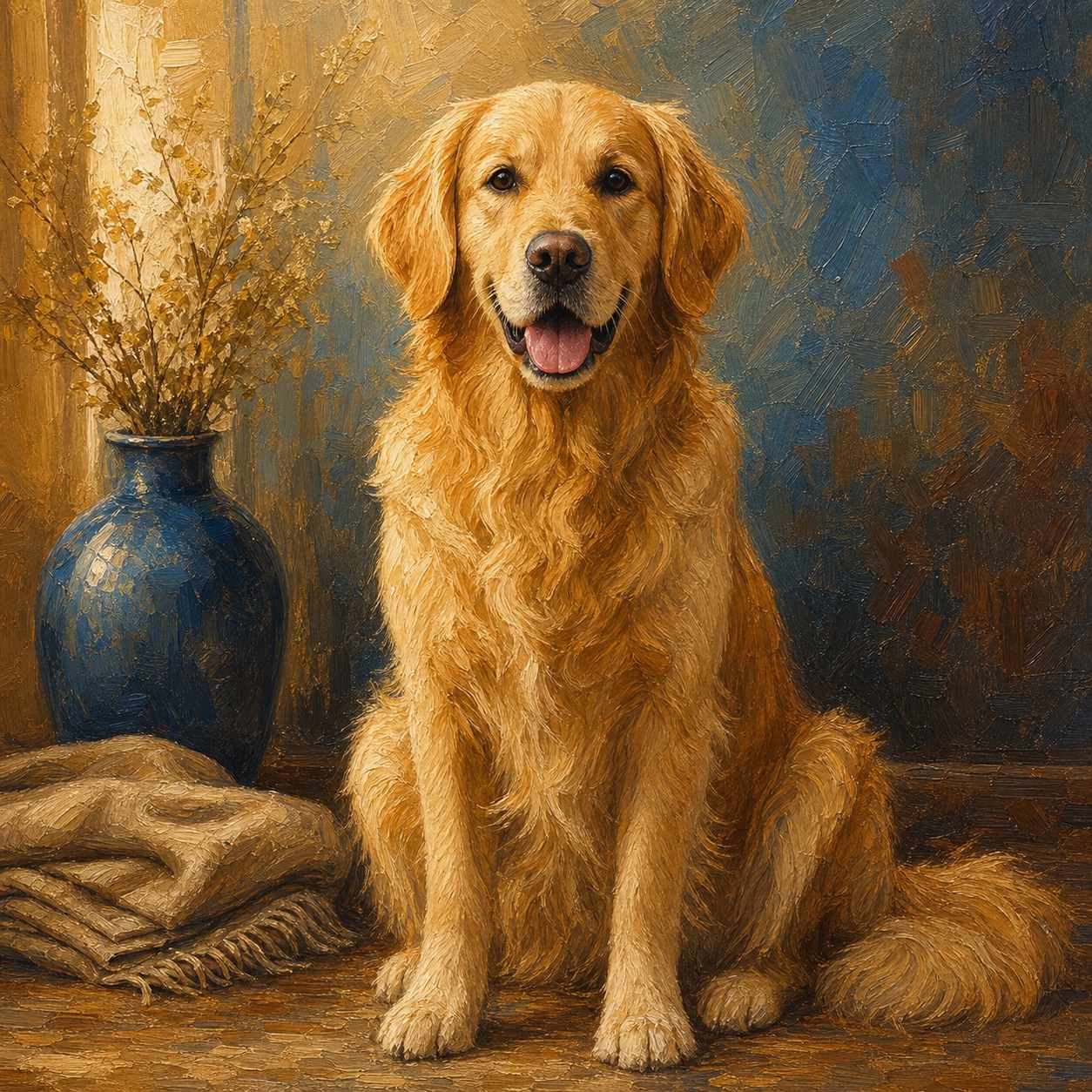
Use this workflow for family memory recovery, private keepsakes, long-distance photos, tribute projects, and archive cleanup.
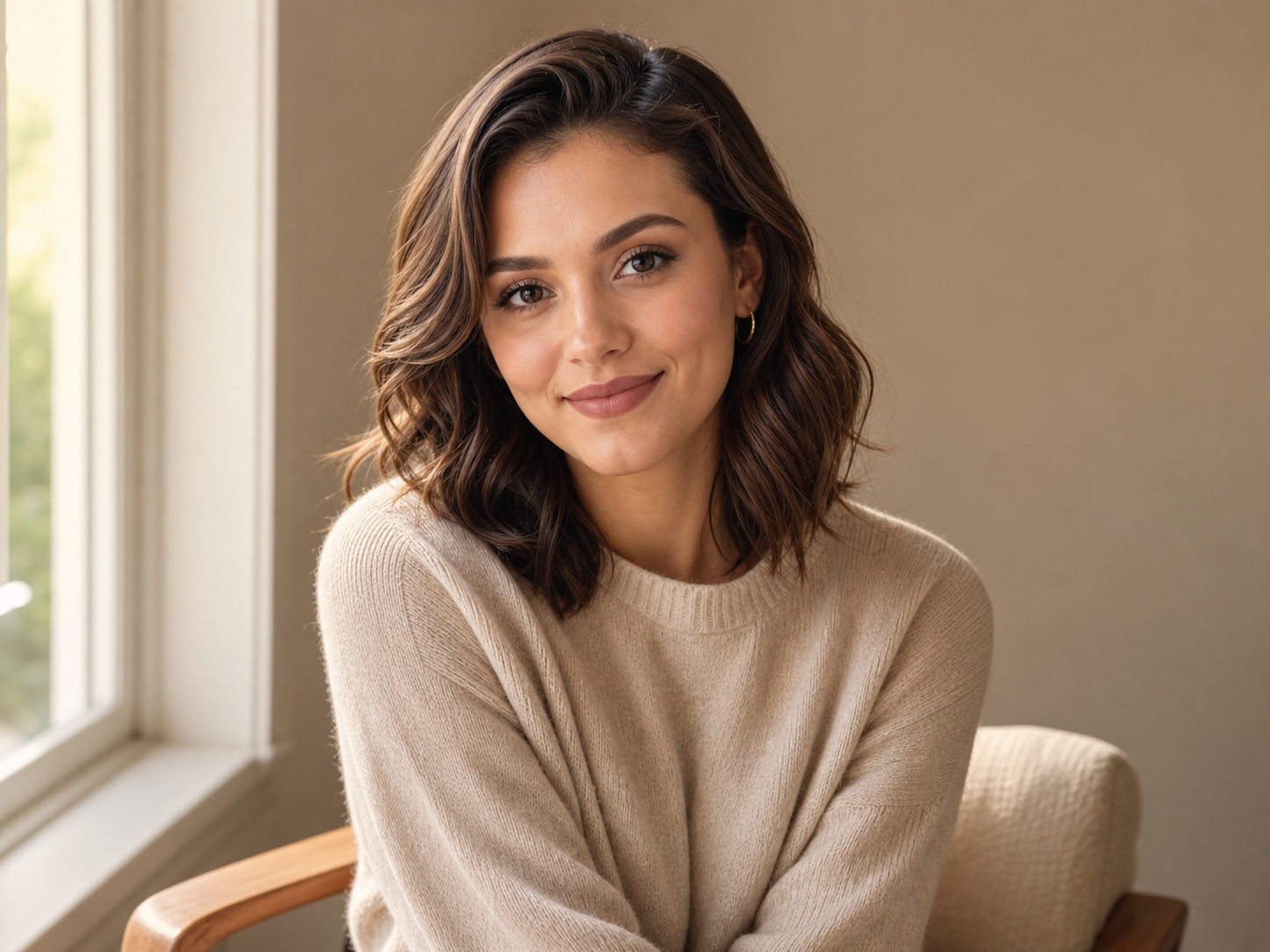
Use the oil painting converter to preserve the face, expression, and warm window light while adding realistic canvas grain, layered brush strokes, and a refined gallery portrait finish.
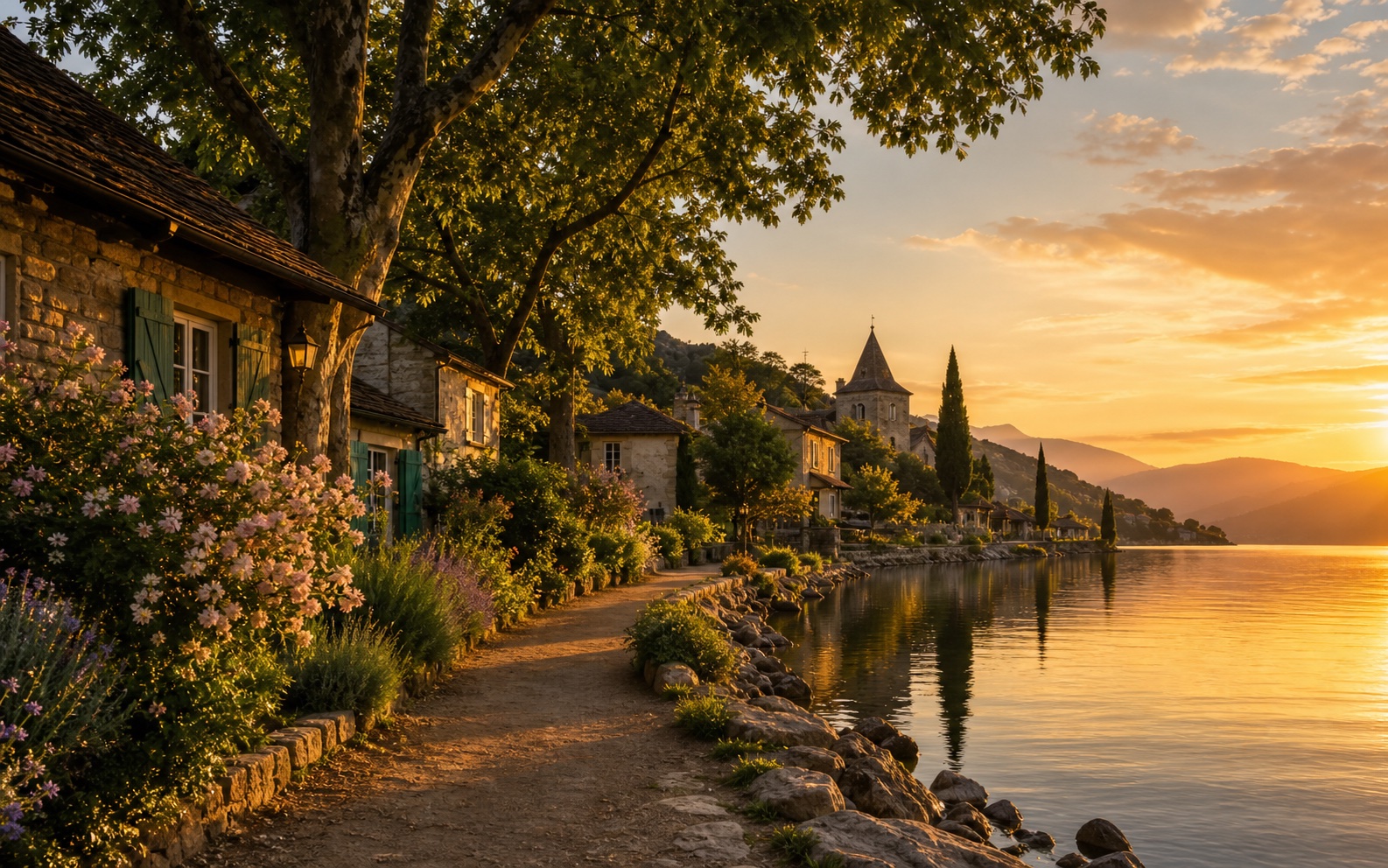
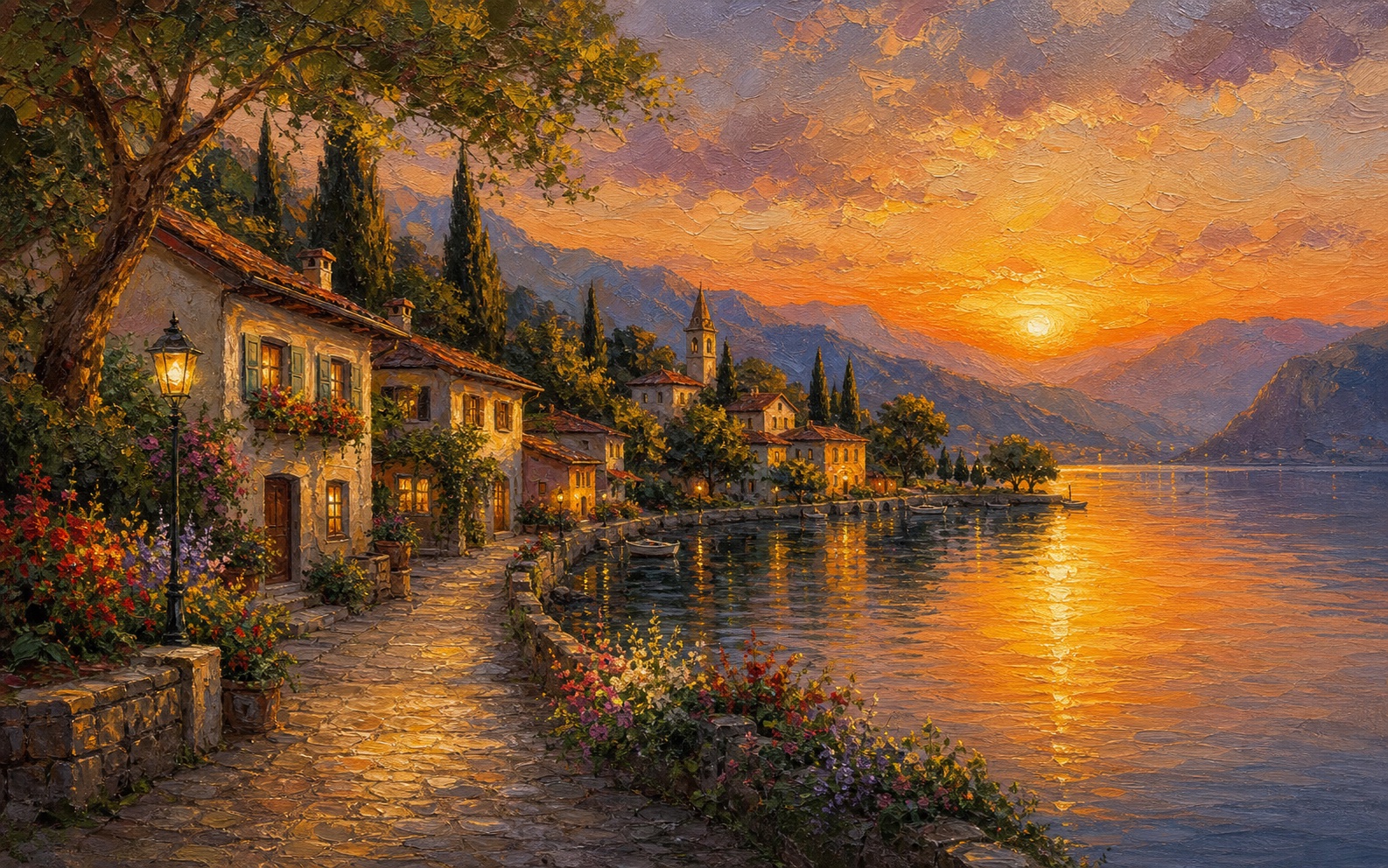
Turn this travel photo into an oil painting with rich sunset color, expressive sky brushwork, painterly water reflections, textured foliage, and a calm fine-art landscape mood.
Convert the pet photo into a warm oil painting portrait with recognizable eyes, detailed fur brush strokes, canvas texture, soft indoor light, and a tasteful decorative finish.
Transform a favorite memory into canvas-style artwork for a printable gift, preserving the important subject while adding elegant paint texture and warm color harmony.
Use the oil painting converter to preserve the face, expression, and warm window light while adding realistic canvas grain, layered brush strokes, and a refined gallery portrait finish.
Turn this travel photo into an oil painting with rich sunset color, expressive sky brushwork, painterly water reflections, textured foliage, and a calm fine-art landscape mood.
People use Couple AI memory tools for family albums, keepsakes, and private tribute projects.
I used this memory tool for old family photos and the result felt respectful, warm, and easy to share privately.

Common questions about old photos, family photos, privacy, and AI memory videos.
Photo to oil painting is an online image transformation workflow that turns an uploaded photo into an oil painting style result. It adds painterly brush strokes, layered color, canvas grain, softer edges, and a more crafted fine-art look while keeping the original subject recognizable. You can use this conversion for portraits, pets, landscapes, product shots, travel photos, family memories, profile pictures, cards, decor concepts, and creative social media visuals.
The converter uses a fixed oil painting prompt with your uploaded image. It asks the model to preserve the main subject, expression, pose, composition, and important details, then replace the flat photographic texture with canvas grain, realistic brushwork, warm color depth, and a gallery-style finish. You do not need to write a prompt yourself. Upload a clear image, generate the result, compare it with the original photo, and download the photo to oil painting version you prefer.
The oil painting filter works best with clear images that have a visible subject, balanced lighting, and enough resolution. Portraits with readable eyes, pets with visible fur and face shape, landscapes with a strong focal point, and travel photos with natural light usually perform well. Very blurry, tiny, dark, or heavily compressed photos can still generate a result, but the final painting may lose detail or reinterpret the subject more heavily.
For stronger results, begin with a bright, sharp, and uncropped source image. Avoid heavy blur, extreme darkness, strong compression, and busy backgrounds when recognition matters. Portraits should show the face clearly; pets should show the eyes and body shape; landscapes should have a clear focal point. If the result looks too smooth, regenerate with stronger canvas texture or clearer brush-stroke direction. If the result changes the subject too much, use a cleaner photo with fewer distractions. For print projects, start with the highest quality image you have and keep the crop close to your final frame ratio, such as square avatar, portrait canvas, greeting card, or landscape print.
Yes. Portraits are one of the strongest uses for this converter because brush texture, warm highlights, and softened backgrounds can make an ordinary photo feel more personal and artful. Use a portrait where the face is clear, the expression is natural, and the crop includes enough shoulders or context. The best portrait results keep the person recognizable while adding the feeling of a painted canvas rather than a plastic or cartoon effect.
Yes. Pet photos can become classic oil painting portraits, gift artwork, memorial images, stickers, cards, or wall art concepts. For better results, upload a pet photo where the eyes, ears, and body shape are visible. The converter can add textured fur strokes and a warm painted background, but a clear source image helps preserve the pet's expression and recognizable features.
You can use generated oil painting results for print ideas such as greeting cards, framed gifts, canvas mockups, posters, and decor concepts. Final print quality depends on your source photo, output size, crop ratio, and printer. Start with the highest-resolution photo you have, avoid cropping too tightly, and choose a shape that matches the frame or canvas you want to print.
Yes. A normal photo filter often changes color or adds a flat texture across the whole image. This workflow is more specific: it aims to reinterpret the image as canvas artwork, with brush strokes, paint layering, softened photographic details, and subject preservation. That makes it better for portraits, landscapes, pets, and printable art concepts where the result should look intentionally painted rather than simply filtered.
No. The page uses a fixed prompt, so you only need to upload a clear image and click create. Beginners can generate a polished photo to oil painting image without learning layers, masks, brushes, or manual retouching. Designers can still use the result as a concept image, mood-board asset, social graphic, print draft, or starting point for additional editing.
Use photo to oil painting for portrait gifts, photo to oil painting for pet memorials, photo to oil painting for wedding keepsakes, photo to oil painting for family wall art, photo to oil painting for travel memories, photo to oil painting for profile pictures, photo to oil painting for social posts, photo to oil painting for greeting cards, photo to oil painting for canvas mockups, photo to oil painting for anniversary presents, photo to oil painting for home decor concepts, photo to oil painting for holiday cards, photo to oil painting for scrapbook pages, photo to oil painting for artist references, photo to oil painting for brand mood boards, photo to oil painting for event invitations, photo to oil painting for printable posters, photo to oil painting for memory albums, photo to oil painting for keepsake portraits, and photo to oil painting for quick creative experiments.
For the cleanest photo to oil painting result, upload a bright image with a clear subject. A portrait photo to oil painting conversion works best when the face is sharp. A pet photo to oil painting conversion works best when the eyes and fur are visible. A landscape photo to oil painting conversion works best when the scene has a strong focal point. A travel photo to oil painting conversion works best with natural light. A wedding photo to oil painting conversion works best with uncluttered framing. A family photo to oil painting conversion works best when every important person is visible. A product photo to oil painting conversion works best with simple backgrounds. A vintage photo to oil painting conversion works best after basic restoration. A selfie photo to oil painting conversion works best when the crop is not too tight. A group photo to oil painting conversion works best with balanced lighting. A baby photo to oil painting conversion works best with soft detail. A graduation photo to oil painting conversion works best with clear clothing and face detail. A vacation photo to oil painting conversion works best with rich color. A home photo to oil painting conversion works best when the room is tidy. A car photo to oil painting conversion works best with strong edges. A food photo to oil painting conversion works best with texture. A garden photo to oil painting conversion works best with visible plants. A street photo to oil painting conversion works best with readable architecture. A black and white photo to oil painting conversion works best when contrast is strong. A high-resolution photo to oil painting conversion gives the model more detail to preserve.
Choose a photo to oil painting style based on the final use. Pick a soft photo to oil painting style for romantic portraits, a classic photo to oil painting style for family gifts, a bold photo to oil painting style for posters, a textured photo to oil painting style for canvas prints, a warm photo to oil painting style for travel scenes, a refined photo to oil painting style for profile images, a dramatic photo to oil painting style for editorial visuals, a delicate photo to oil painting style for baby portraits, a museum-like photo to oil painting style for formal portraits, a colorful photo to oil painting style for social media, a neutral photo to oil painting style for home decor, a realistic photo to oil painting style when recognition matters, a looser photo to oil painting style when brushwork matters, a vintage photo to oil painting style for old memories, a clean photo to oil painting style for product concepts, a scenic photo to oil painting style for landscapes, a cozy photo to oil painting style for pets, a bright photo to oil painting style for invitations, a polished photo to oil painting style for gifts, and a high-detail photo to oil painting style when you plan to print.
Try photo to oil painting for a couple portrait, photo to oil painting for a pet portrait, photo to oil painting for a travel scene, photo to oil painting for a family memory, photo to oil painting for a profile image, photo to oil painting for a wall print, photo to oil painting for a greeting card, photo to oil painting for a keepsake gift, or photo to oil painting for a creative before-and-after post.
Upload a portrait, pet photo, landscape, travel memory, or product shot and turn it into oil painting artwork with rich brush texture, canvas grain, warm color depth, and a gallery-ready painterly finish.
Create oil painting