1
Choose the family members
Start with parent-child, couple, siblings, or three-generation photos depending on the memory you want to create.
 Couple AI
Create family portraits, parent-child photos, couple and family memories, and long-distance family keepsakes with AI.
Create AI family photos, parent-child portraits, couple memories, long-distance family pictures, and private keepsakes for albums and gifts.
Create a family photo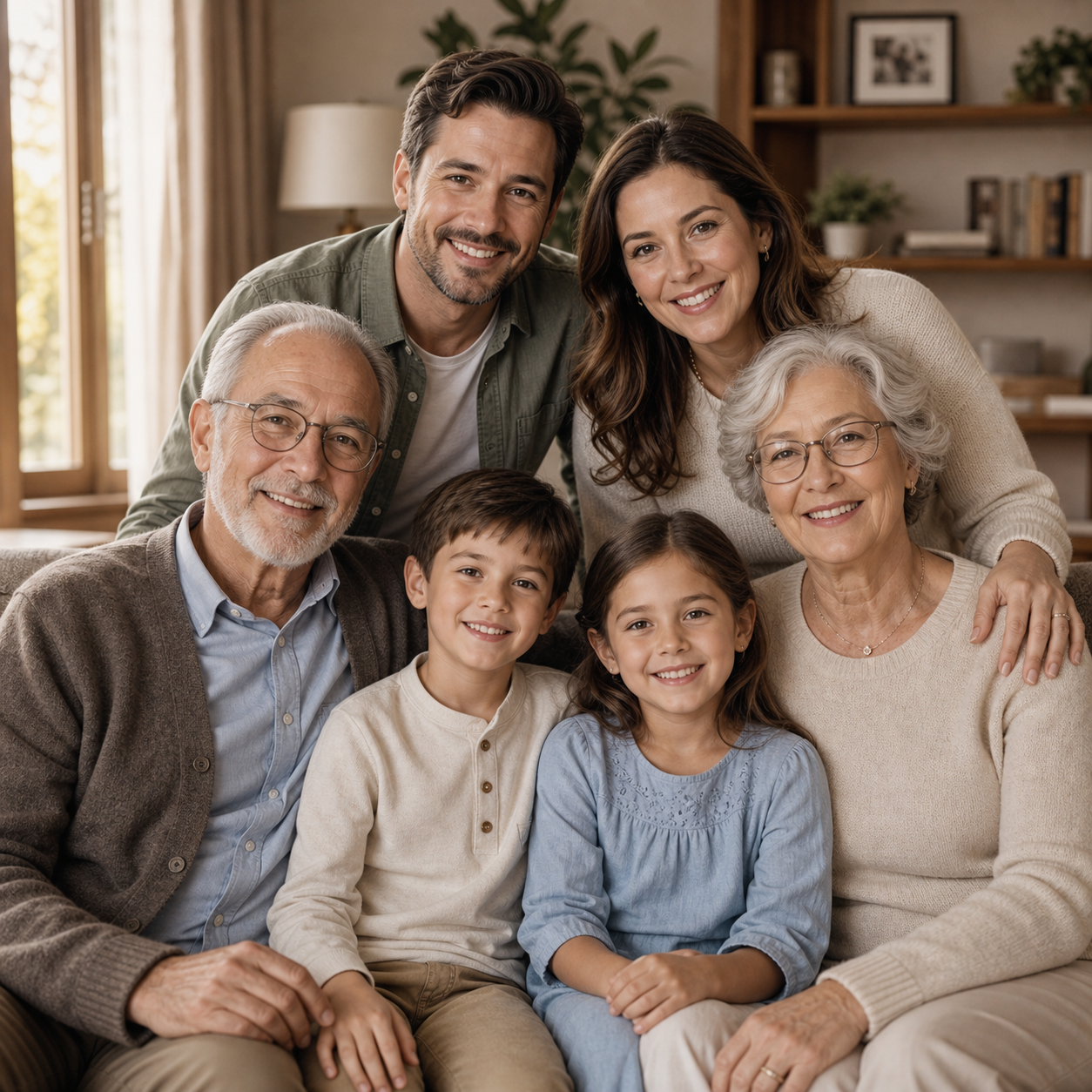
Use AI family photo generation when a real photoshoot is hard, relatives live far apart, or you want a keepsake version of an important relationship.
Start with parent-child, couple, siblings, or three-generation photos depending on the memory you want to create.
Use prompts for a warm home portrait, holiday setting, anniversary scene, or simple studio-style family photo.
Download the final image and use it in albums, printed gifts, tribute slides, or private family messages.
Couple AI combines memory-focused prompts, private keepsake workflows, and natural image or video enhancement in one tool experience.
Use this workflow for family memory recovery, private keepsakes, long-distance photos, tribute projects, and archive cleanup.
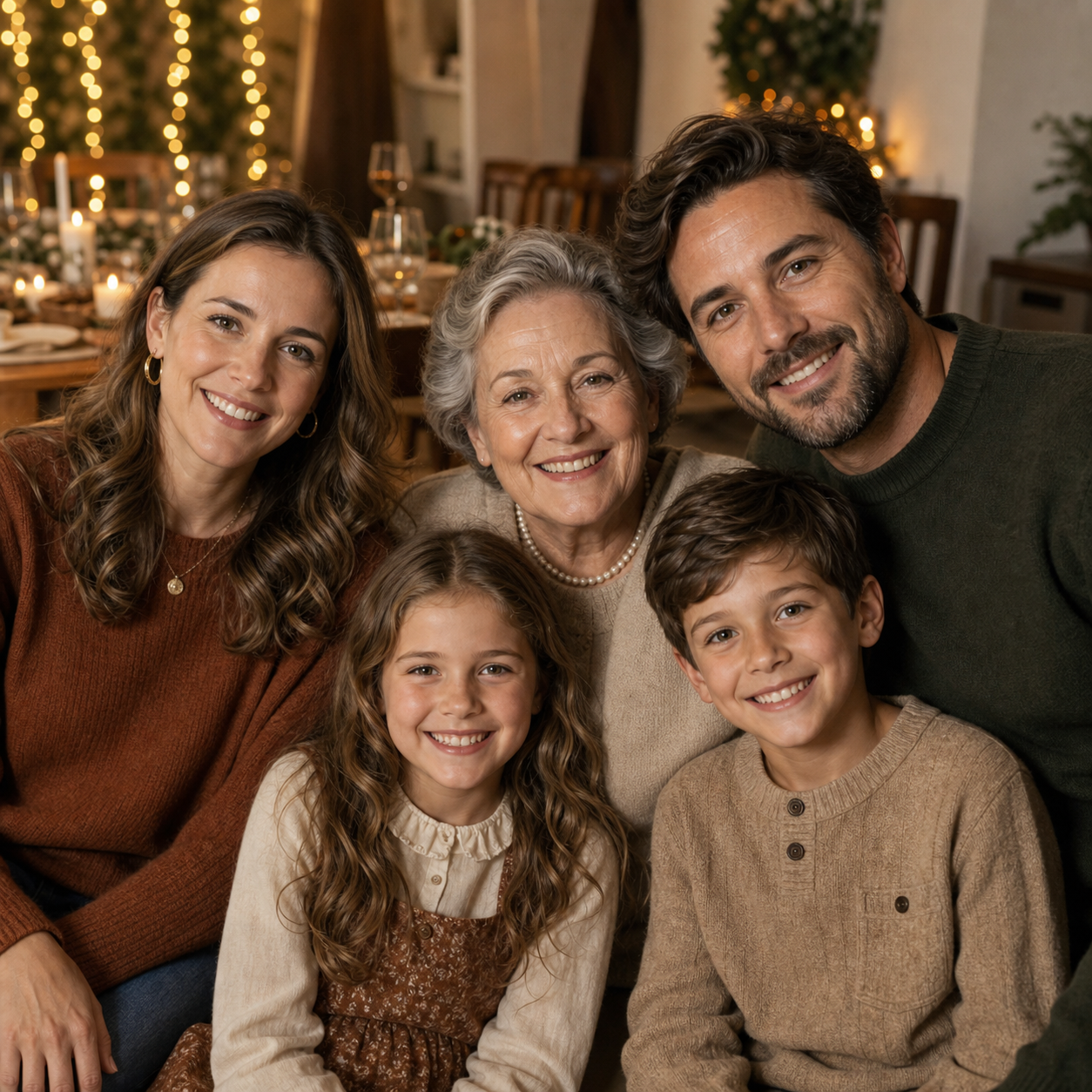
A family enjoying a warm holiday celebration together, soft lights, natural smiles, cozy home mood.
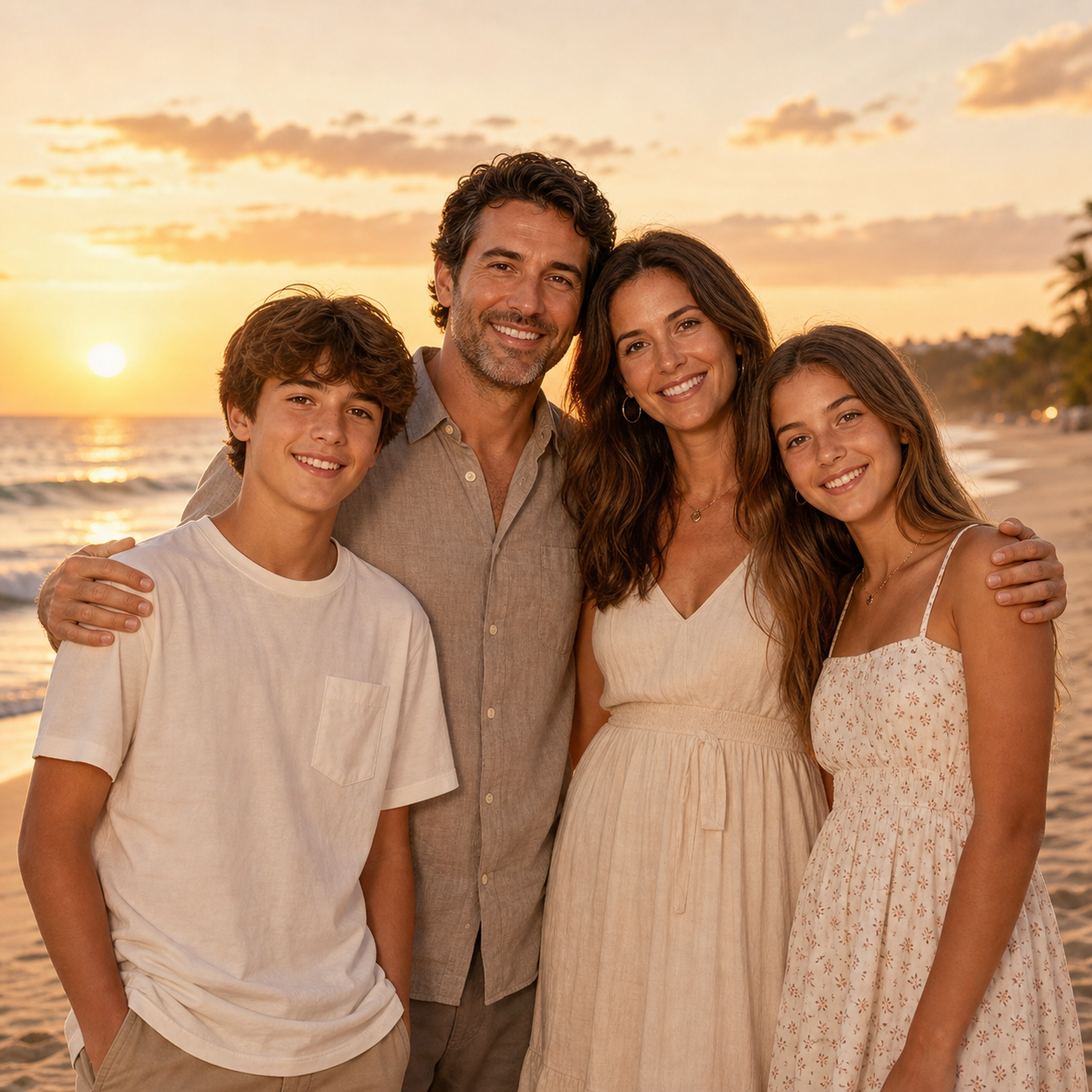
A family photo on the beach at sunset, relaxed clothing, warm golden light, candid smiles.
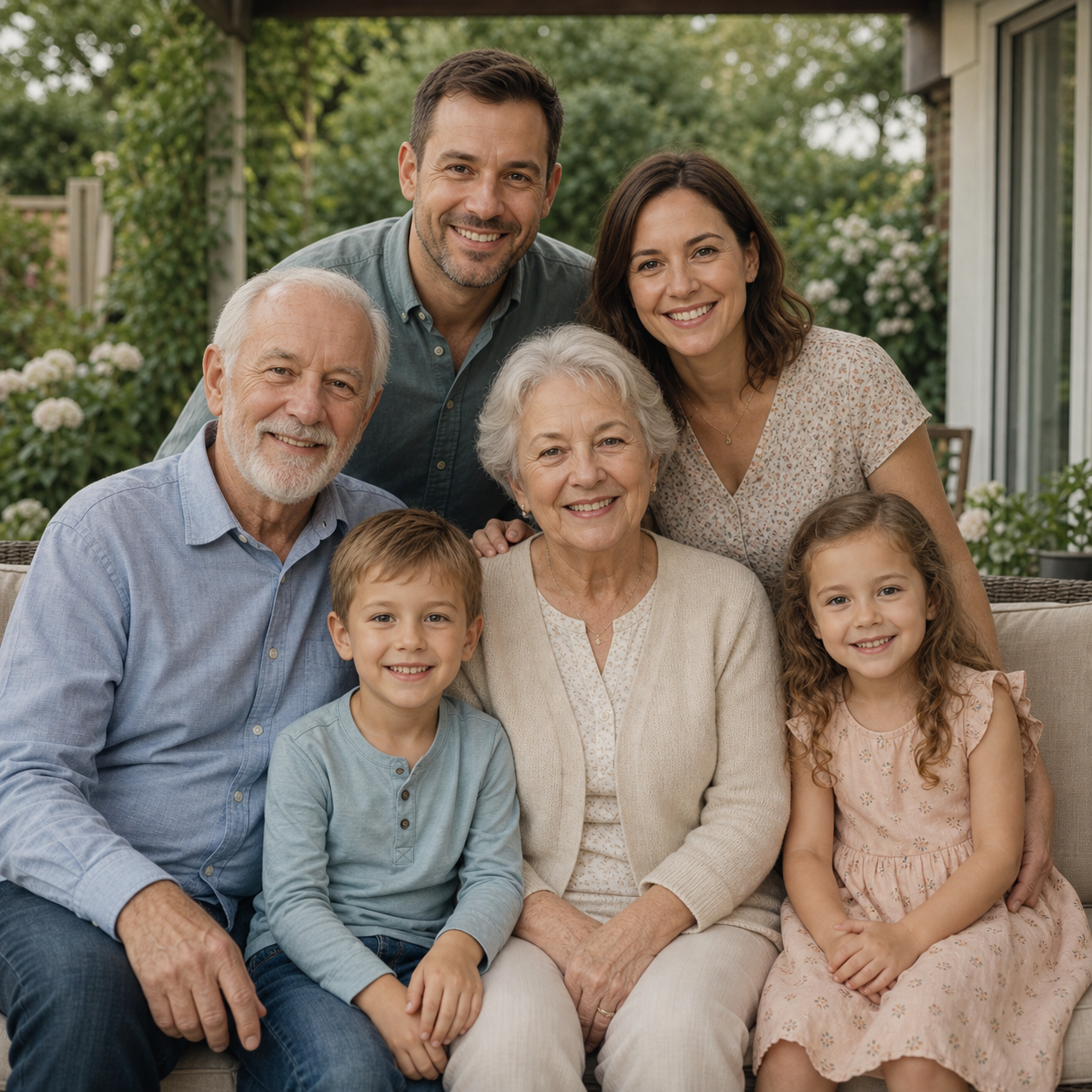
A large family reunion portrait with grandparents, parents, and children, balanced composition.
A family enjoying a warm holiday celebration together, soft lights, natural smiles, cozy home mood.
A family photo on the beach at sunset, relaxed clothing, warm golden light, candid smiles.
People use Couple AI memory tools for family albums, keepsakes, and private tribute projects.
I used this memory tool for old family photos and the result felt respectful, warm, and easy to share privately.

Common questions about old photos, family photos, privacy, and AI memory videos.
Yes. An AI Family Photo Generator can create family-style portraits and keepsake scenes from existing photos and descriptive prompts. The AI Family Photo Generator works best when each family member reference is clear, front-facing, and well lit, because the model can better understand faces, hair, relationship context, and the warm family portrait style you want.
Yes. An AI Family Photo Generator is especially useful when parents, children, couples, grandparents, or relatives cannot meet for a real photoshoot. Long-distance families can use an AI Family Photo Generator to create a shared family photo for albums, birthday messages, holiday cards, anniversary gifts, or private keepsakes without needing everyone in the same city.
Yes. Parent-child photos, couple memories, sibling portraits, and broader family portraits are all strong use cases for an AI Family Photo Generator. You can upload one to five references, describe the family relationship, choose a natural setting, and use the AI Family Photo Generator to create a warm portrait that feels suitable for private family albums.
Use clear, well-lit face photos for each person. An AI Family Photo Generator performs better when eyes, hair, face shape, and expression are easy to see. Avoid sunglasses, heavy filters, motion blur, tiny screenshots, and extreme angles. If you upload better references, the AI Family Photo Generator can create a more realistic family photo with stronger identity preservation.
Yes. This AI Family Photo Generator workflow is designed for private family keepsakes, albums, printed gifts, anniversary portraits, and long-distance family memories. Because family photos can include children, parents, and relatives, use the AI Family Photo Generator with images you own or have permission to use, and keep sensitive portraits private by default.
Create family portraits, parent-child photos, couple and family memories, and long-distance family keepsakes with AI.
Create a family photo