1
Pick a meaningful old picture
Start with a family portrait, old wedding photo, parents' picture, or a couple photo that carries a clear memory.
 Couple AI
Restore old photos, enhance old family pictures, animate portraits, and turn old couple photos into private keepsakes.
Restore old photos with AI, enhance faded family pictures, animate portraits, and create private memory videos from couple and family photos.
Restore a memory photo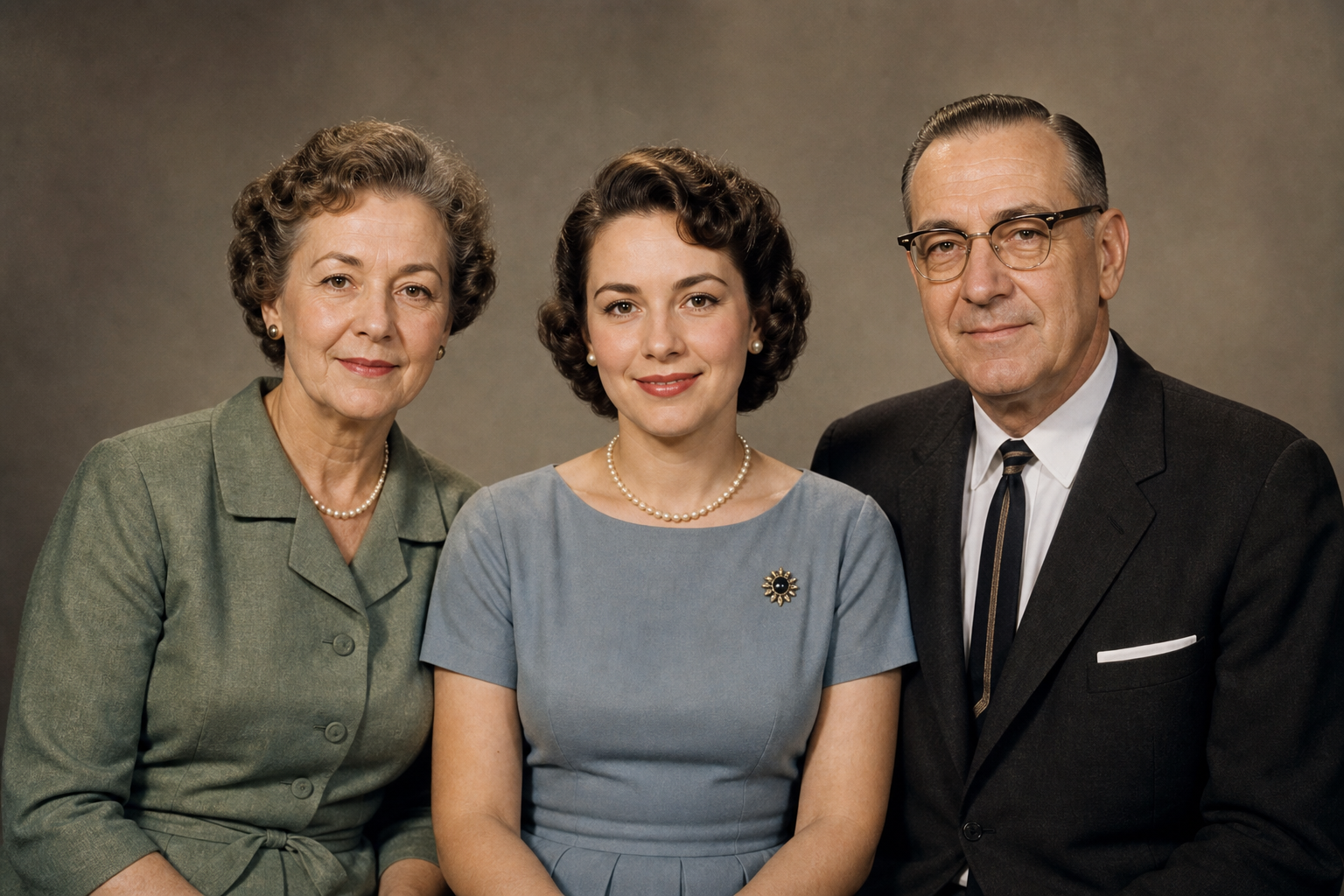
Old photos often need a little cleanup before animation. This workflow helps you move from faded print to polished memory asset.
Start with a family portrait, old wedding photo, parents' picture, or a couple photo that carries a clear memory.
Improve clarity, brightness, and facial detail so the restored photo is easier to view and reuse.
Animate the restored photo or pair it with a new family portrait workflow for a stronger keepsake.
Couple AI combines memory-focused prompts, private keepsake workflows, and natural image or video enhancement in one tool experience.
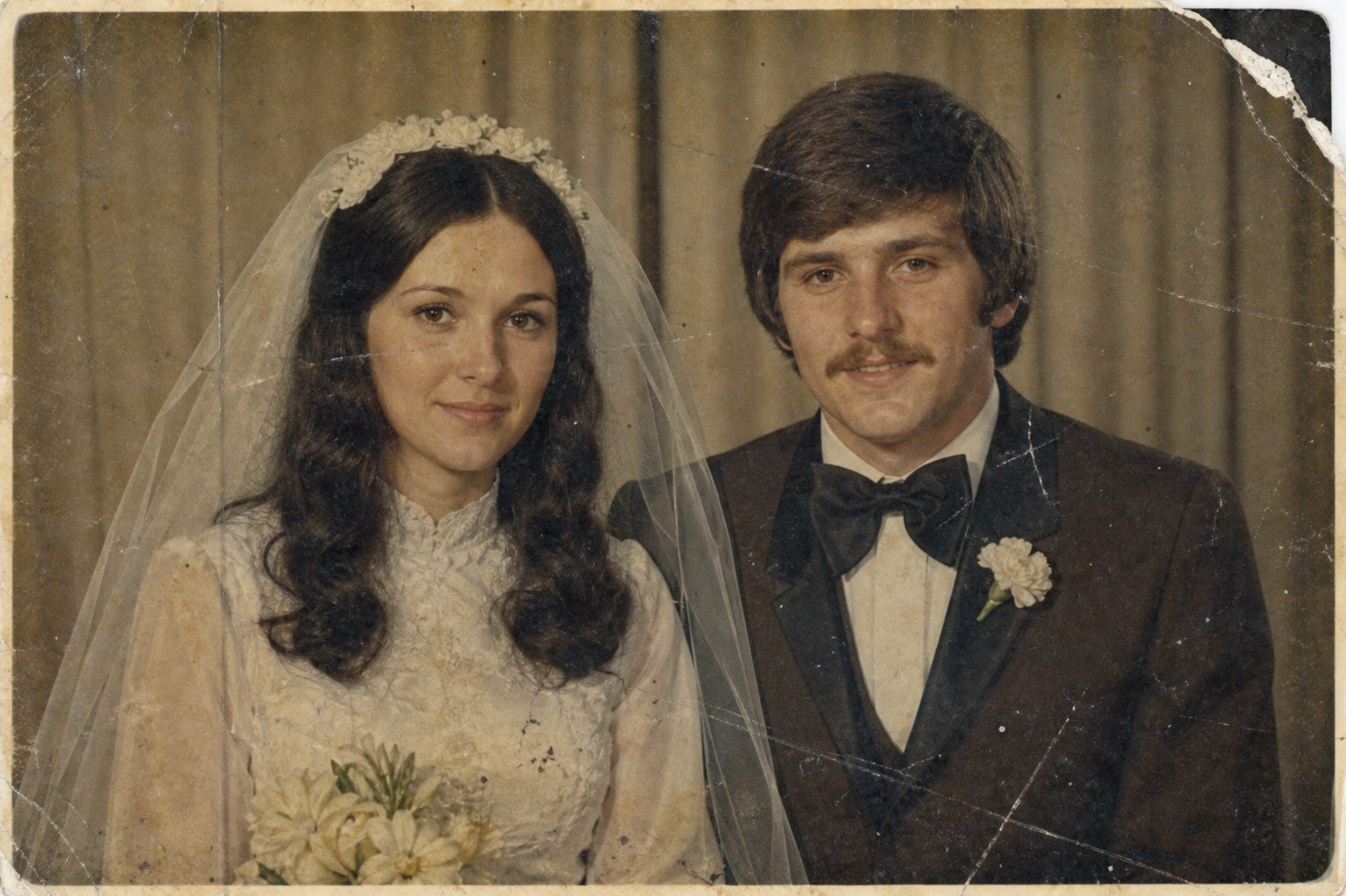
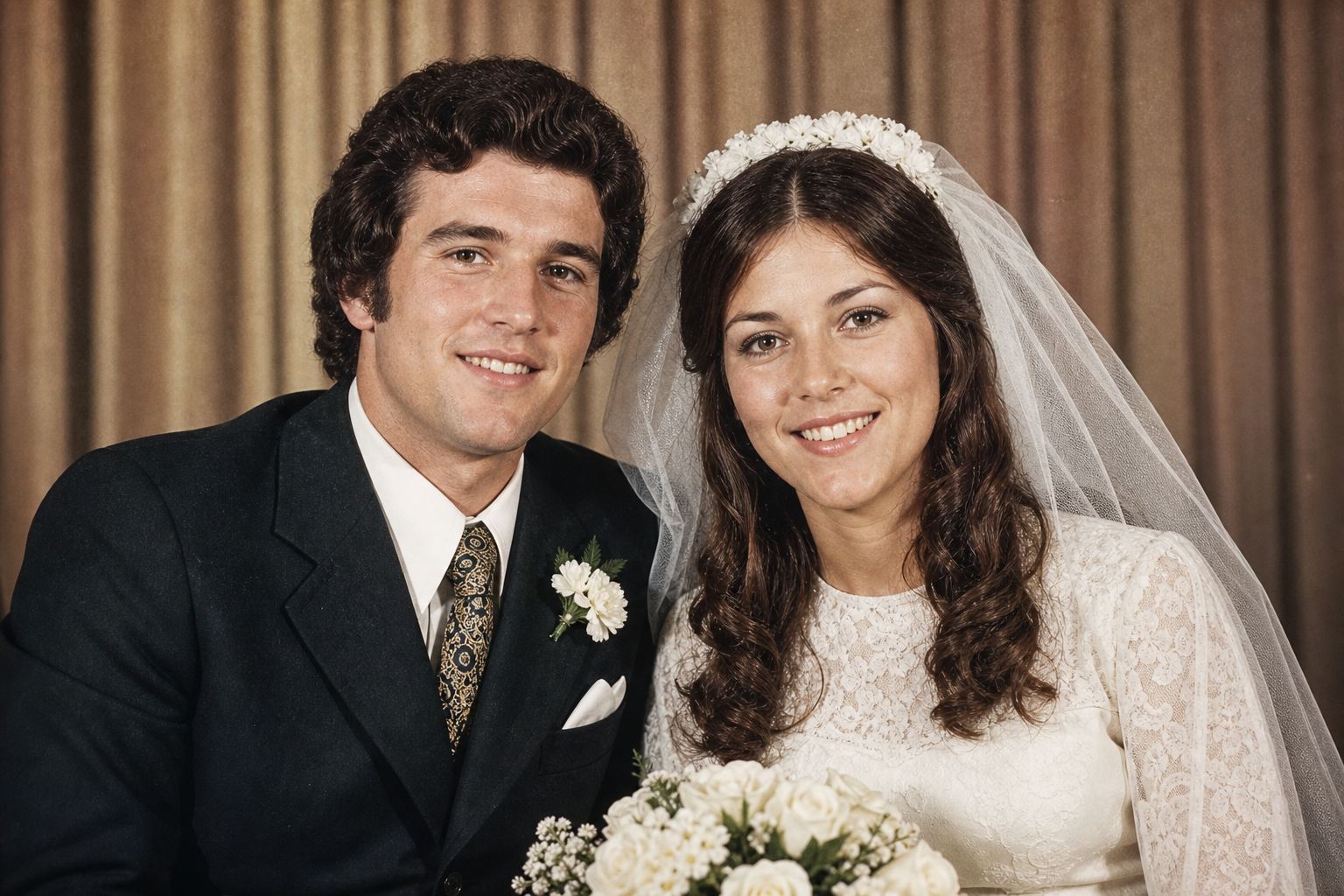
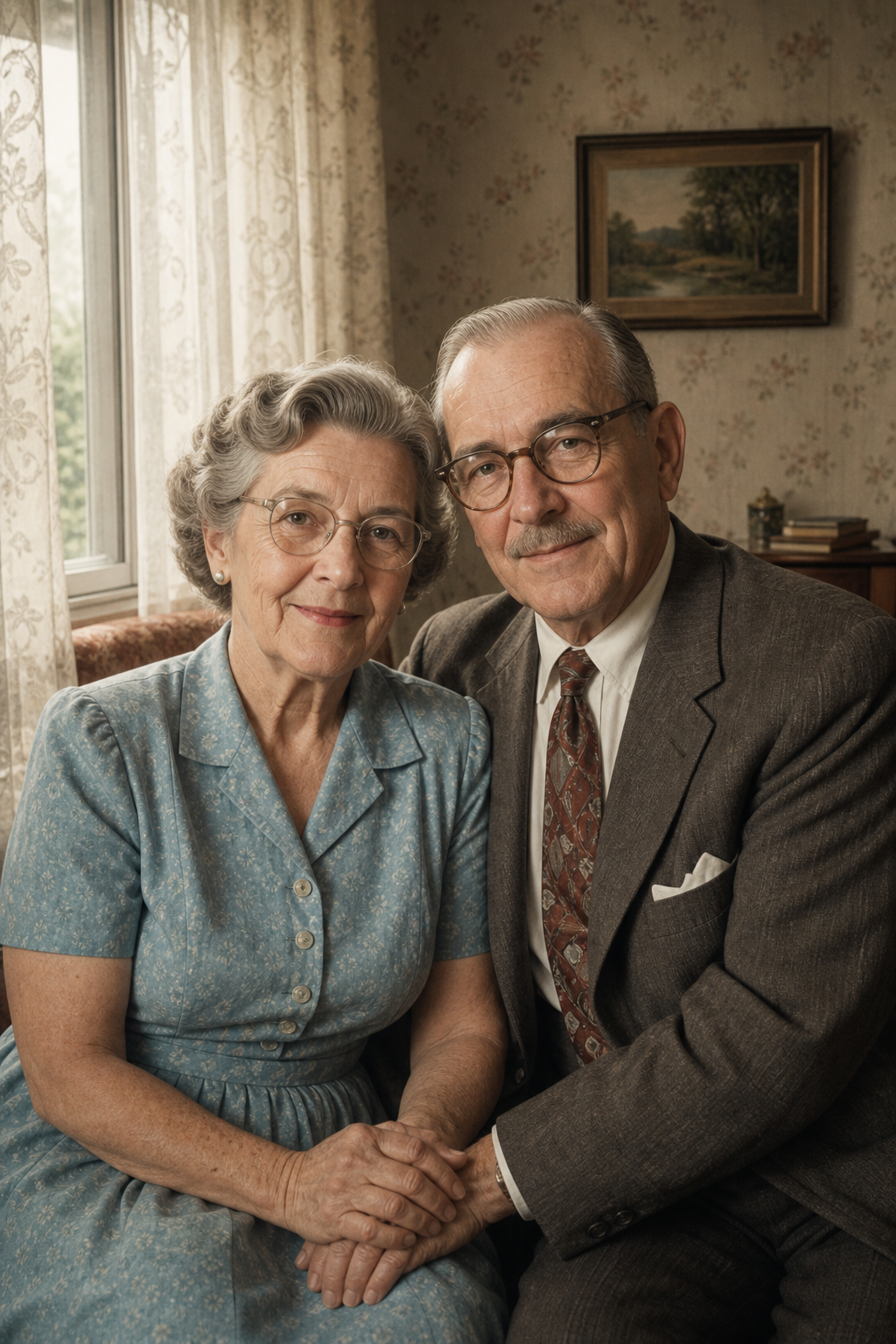
Use this workflow for family memory recovery, private keepsakes, long-distance photos, tribute projects, and archive cleanup.
Repair torn edges, remove scratches and dust, keep the original portrait structure and texture.
Add realistic color to a black-and-white family photo with natural skin tones and soft clothing detail.
Enhance eyes, smiles, clothing patterns, and background detail while keeping the photo authentic.
Repair torn edges, remove scratches and dust, keep the original portrait structure and texture.
Add realistic color to a black-and-white family photo with natural skin tones and soft clothing detail.
People use Couple AI memory tools for family albums, keepsakes, and private tribute projects.
I used this memory tool for old family photos and the result felt respectful, warm, and easy to share privately.

Common questions about old photos, family photos, privacy, and AI memory videos.
Yes. Old Photo Restoration AI can restore old family photos by improving clarity, lighting, contrast, scratches, stains, faded color, and visible face details. Old Photo Restoration AI works especially well for parent portraits, old wedding photos, family group pictures, and black-and-white prints where the original memory is still visible. Very damaged images may still need manual editing for perfect archival restoration.
Yes. Restoring first can make the face and image structure clearer, which often helps when creating an AI memory video or Deep Nostalgia-style animation. A practical workflow is to use Old Photo Restoration AI to repair scratches, restore contrast, and sharpen faces, then animate the restored old photo only after the person looks natural and recognizable.
Yes. Old wedding photos, anniversary pictures, and parent couple photos are strong source images for Old Photo Restoration AI. The tool can enhance clothing, faces, background detail, and natural color while keeping the couple photo close to the original. Many users use Old Photo Restoration AI to turn old couple photos into printed gifts, album pages, and private family keepsakes.
You can colorize black-and-white photos with Old Photo Restoration AI if you want a warmer keepsake, but realistic color is better than overly modern color. Old Photo Restoration AI should preserve the vintage mood, skin tone, clothing texture, and family context when the original photo matters. If authenticity is important, ask for gentle restoration and natural color instead of heavy stylization.
Old Photo Restoration AI works best with clear scans or phone captures that avoid glare, heavy shadows, angled distortion, and very small faces. Higher-resolution images usually produce cleaner faces and better restored detail. For better Old Photo Restoration AI results, place the old photo flat, crop unnecessary background, and upload the sharpest version you have.
Restore old photos, enhance old family pictures, animate portraits, and turn old couple photos into private keepsakes.
Restore a memory photo